

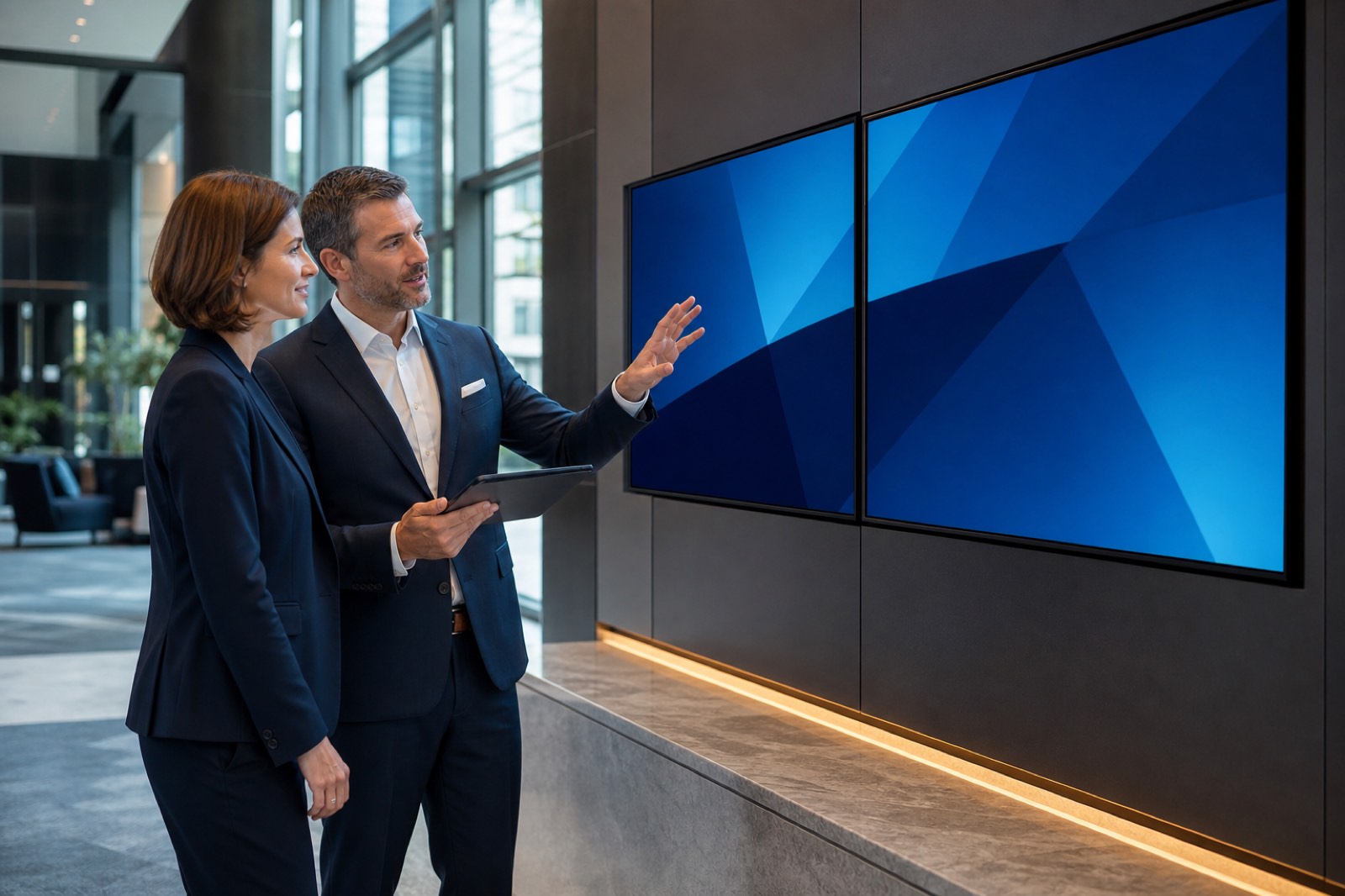

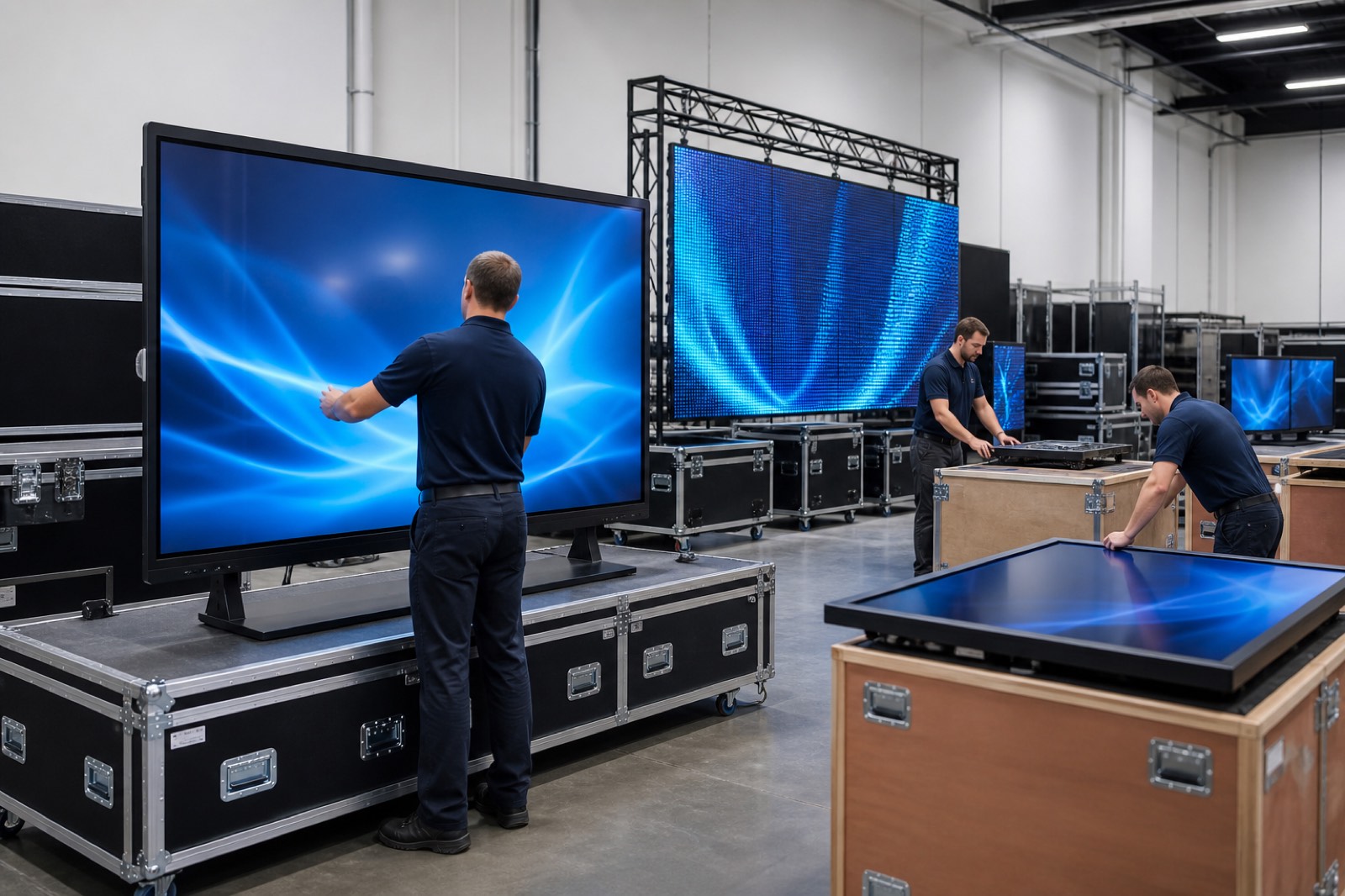
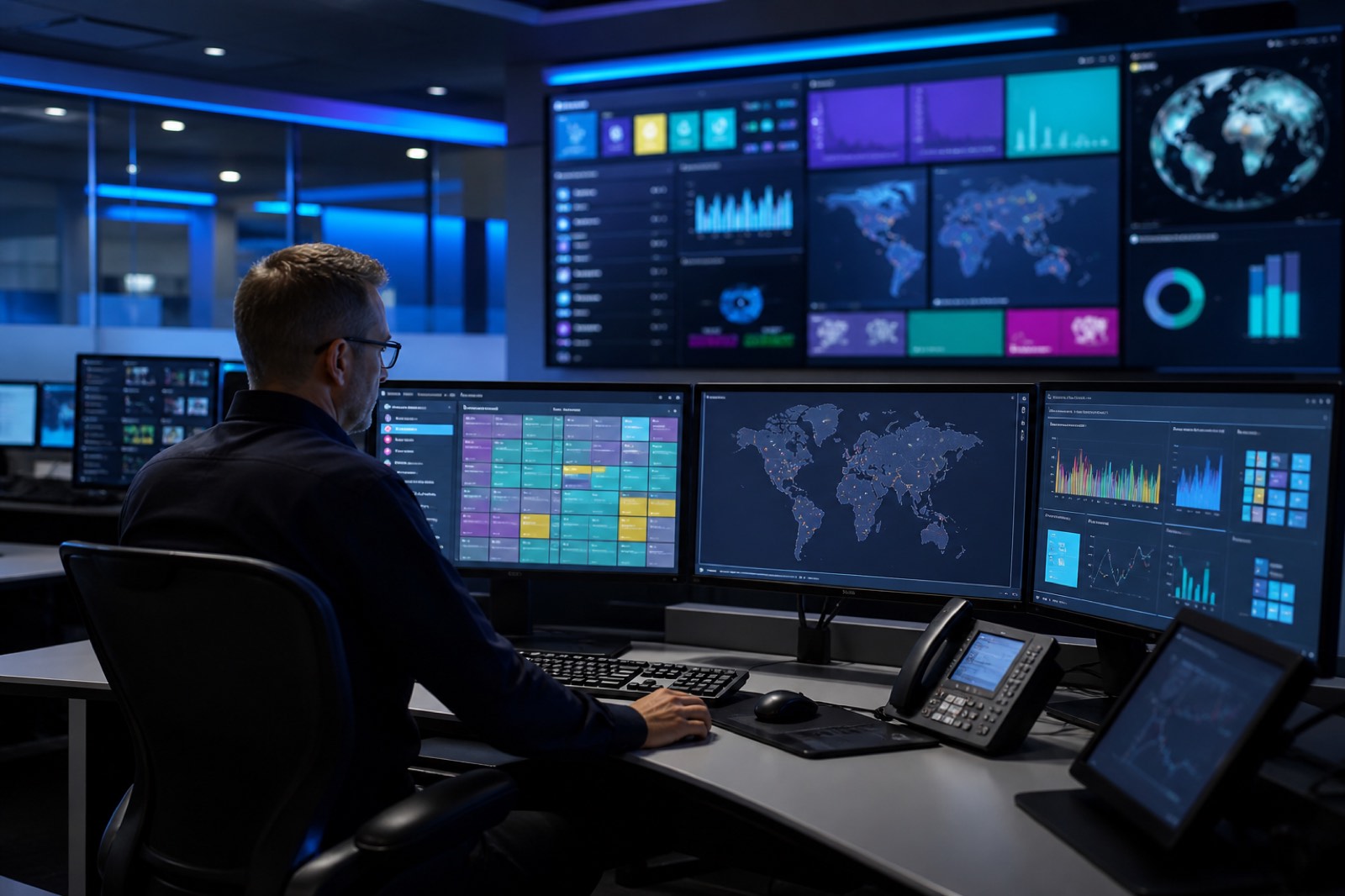
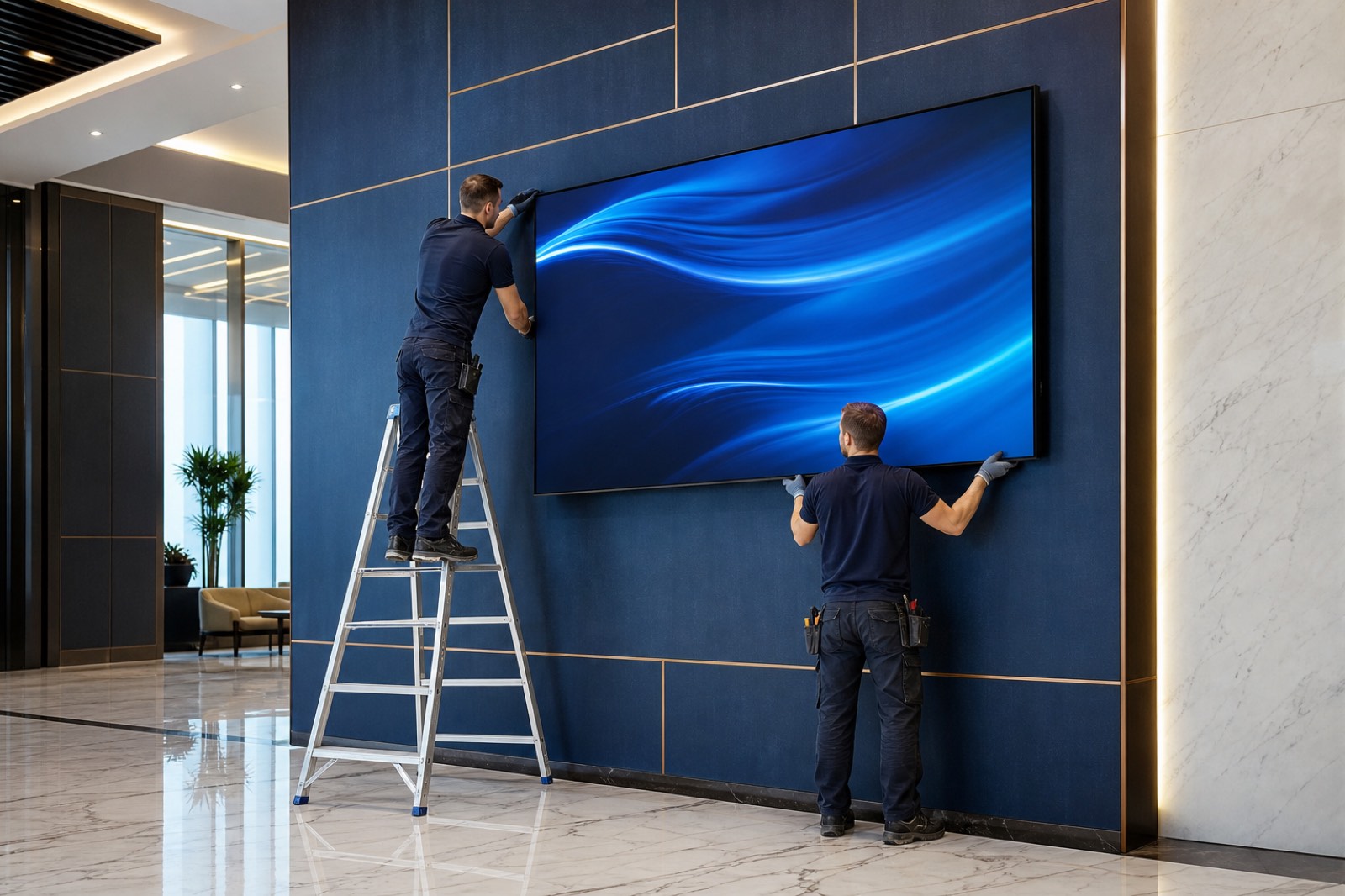

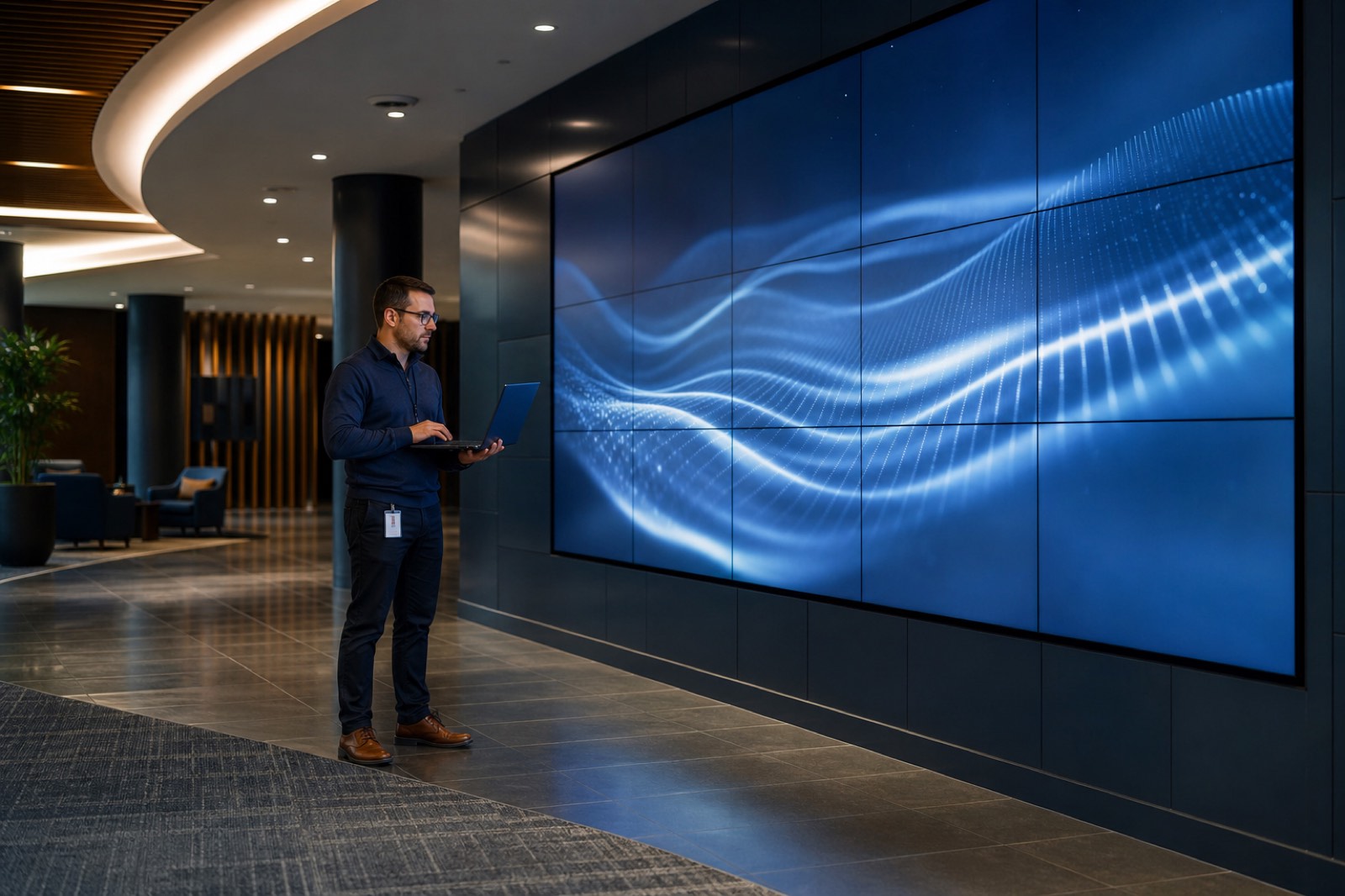
Digital Signage is a professional communications system that enables content to be managed centrally and presented effectively to the intended audience via digital displays.
Text, images, video, announcements, campaigns and wayfinding content can be planned, managed remotely and updated at the required time from a single platform. Organisations therefore gain a dynamic, up-to-date communications infrastructure without relying on printed materials.
Used across hotels, hospitals, corporate offices, retail stores, restaurants, educational institutions and production facilities, Digital Signage solutions are an effective tool for information, wayfinding, internal communications and brand visibility.
Whether it is a single screen or a network of hundreds, all content is managed centrally to deliver a consistent, responsive and professional playback experience.
In short, Digital Signage solutions reduce dependence on printed materials while enabling content to be managed centrally and updated in real time. Operational efficiency increases, and a consistent brand experience is created across every communications channel.
Use cases
Digital Signage solutions are used across a range of sectors for information, wayfinding, corporate communications and promotion.
Hotels and hospitality facilities
Used for guest information, event announcements, wayfinding screens and service promotions.
Hospitals and healthcare organisations
Supports patient wayfinding, waiting-area information, doctor and department profiles, healthcare service information and announcement workflows.
Banks and financial institutions
Used for customer information, product and service promotion, campaign announcements, live foreign-exchange and financial data, queue-management integrations, and calling and wayfinding screens.
Corporate offices and business centres
Enables internal communications, visitor information, corporate announcements and key company messages to be shared effectively.
Retail stores and shopping centres
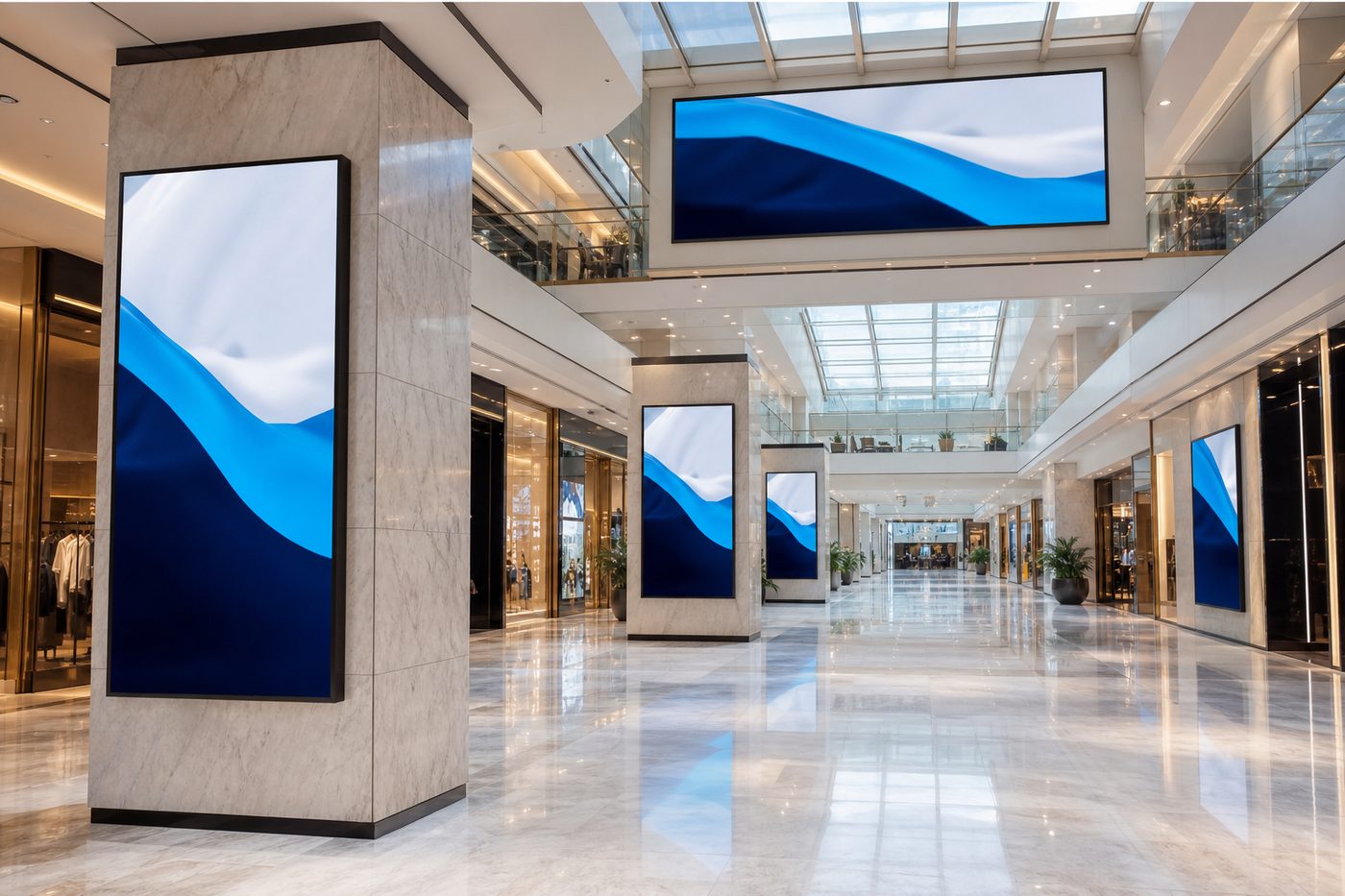
Strengthens the customer experience by supporting campaigns, product promotion and brand communications.
Restaurants, cafés and food-service venues
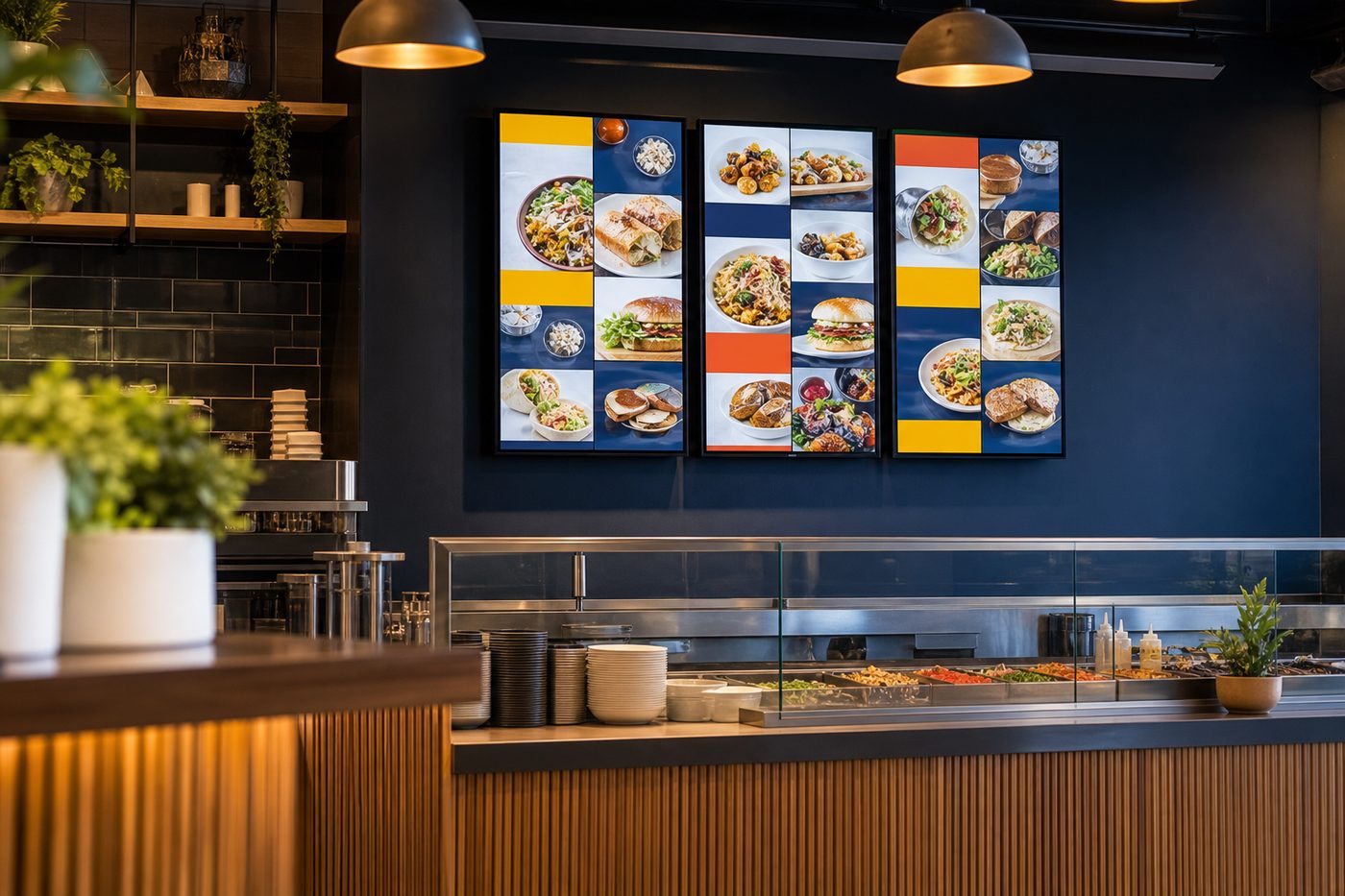
Used for digital menu management, campaign announcements, product promotion and customer information. Because the system can integrate with central platforms, menu and price updates can be reflected on screens automatically, removing the need for manual intervention and reducing the risk of update errors.
Educational institutions and campuses
Supports student information, event announcements and campus communications.
Production facilities and industrial sites
Used for operational announcements, performance indicators, workplace safety messages and corporate communications.
Public spaces and visitor centres
Used for information, wayfinding and announcements in airports, museums, municipalities, stadiums and other high-traffic visitor environments.
How it works
A Digital Signage system comprises displays, content management software (CMS) and playback infrastructure.
Installation, content management and playback follow the core steps below.
-
1
System installation and screen registration
The content management platform (CMS) is configured and the screens to be included in the system are registered.
Flexible hardware support The Digital Signage system can run directly on professional displays with SoC (System on Chip) architecture, or via external media players on screens that do not have this capability. Different display infrastructures can therefore be managed centrally from a single platform.
-
2
Content upload
Text, images, video and other assets are uploaded to the content management platform.
-
3
Playback scheduling
Content is assigned to screen groups, locations or specific devices. Playback dates, times and rules are defined as part of the schedule.
-
4
Delivery to screens
Content is sent to the relevant screens over the internet or the corporate network and stored in the screen’s local memory.
-
5
Uninterrupted playback
Because content is stored in the screens’ internal memory, playback continues without interruption even if the internet connection is lost.
-
6
Updates and synchronisation
New content and updates can be delivered to screens automatically. Downloads can be scheduled for defined times in order to optimise data traffic and network use.
-
7
Integration and automation
Where required, the system can integrate with corporate applications, data sources and third-party platforms, so that selected content is reflected on screens automatically.
Advantages of Digital Signage Systems
Centralised content management
Even screens in different countries can be managed, scheduled and updated centrally from a single platform.
Real-time information delivery
Announcements, campaigns and information can be published to screens within seconds whenever they are needed.
Integration and automation support
Works with different data sources and corporate systems to support automatic content updates.
Consistent corporate communications
Publishing the same content on screens in different locations helps maintain communications and brand standards.
Operational efficiency
Reduces the need for printed materials, simplifies operational processes and enables content to reach different locations quickly and at a low operational cost.
Effective reach to the intended audience
Increases the impact of communications by ensuring the right content is published at the right time and in the right location.
How it differs from Corporate TV
Although Corporate TV and Digital Signage are both screen-based systems, they differ significantly in use cases, audiences and hardware requirements.
| Criterion | Corporate TV | Digital Signage |
|---|---|---|
| Environment | In-room spaces | Shared indoor and outdoor spaces |
| Focus | Enhancing the individual user experience | Mass information, wayfinding and communication |
| Audience | Guests, patients, students or room occupants | Visitors, customers, employees and the general public |
| Content | TV broadcasts, personalised information and service content | Announcements, wayfinding, campaigns, advertising and information |
| Hardware | Brightness and picture characteristics suited to TV viewing | High brightness, better visibility in varied lighting and flexible landscape/portrait use. |
| Operating hours | Suited to everyday usage scenarios | Models available for extended, continuous operation such as 16/7 and 24/7 |
| Durability | Built for standard indoor conditions | Models suited to varied indoor and outdoor conditions, resistant to sun, rain, dust, temperature changes and vandalism, as required. |
| Core purpose | Improving the user experience and access to services | Strengthening corporate communication and information sharing |
Products by use case
Single displays
Core Digital Signage display solutions used for information, announcements, wayfinding and promotion. Areas of use: corporate offices, hospitals, hotels, banks, stores and educational institutions.
Video Wall displays
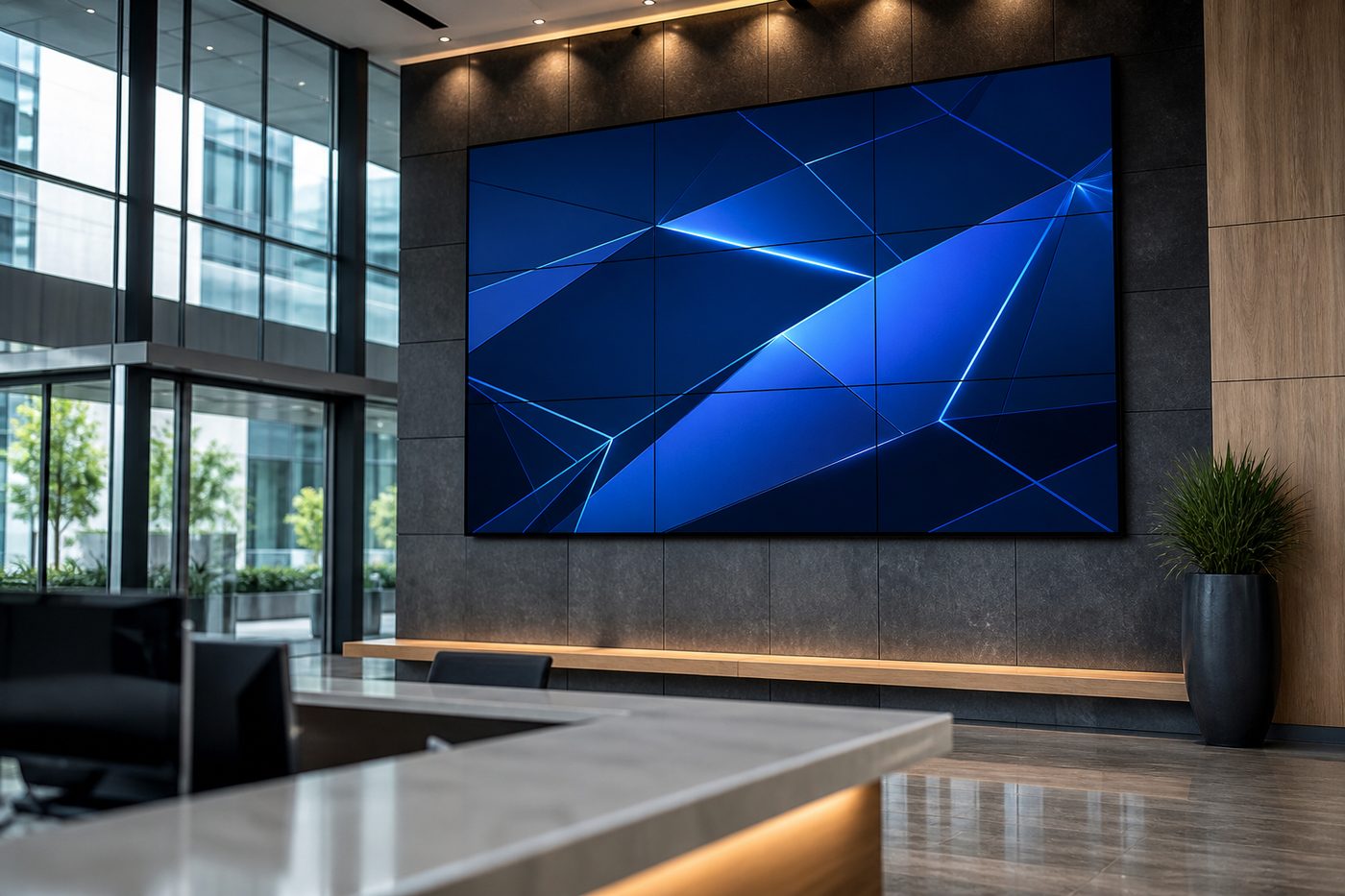
Solutions in which multiple screens form a single image, delivering high visibility and a strong visual impact. Areas of use: corporate lobbies, shopping centres, airports, control rooms and event spaces.
Menuboard displays
Digital display solutions in which menus, prices and campaign information can be managed centrally. Areas of use: restaurants, cafés, fast-food chains, bakeries and food-service venues.
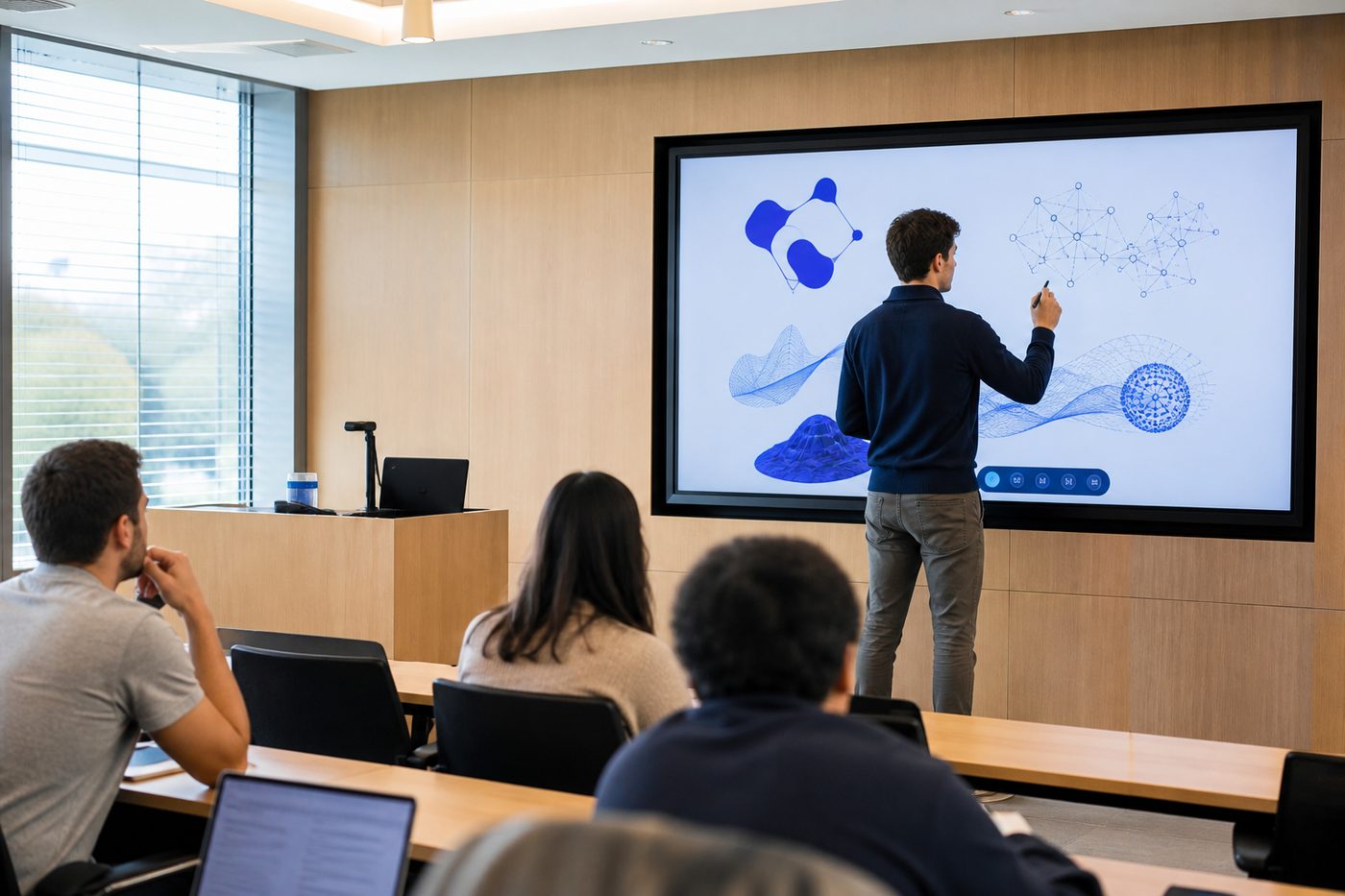
Touchscreens
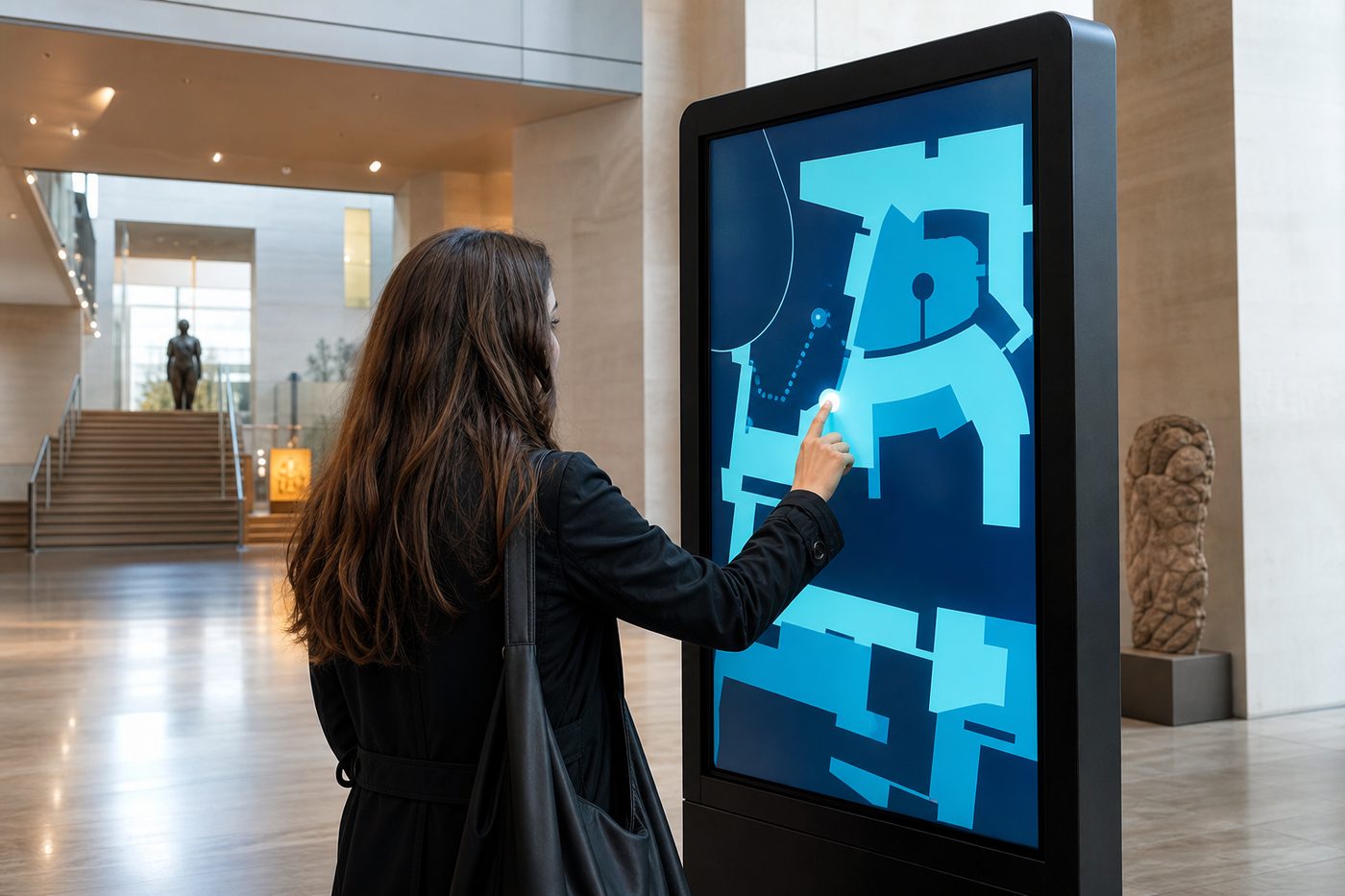
Enable users to look up information, complete transactions or interact with content on the screen. Areas of use: museums, exhibitions, corporate offices, educational institutions and showrooms.
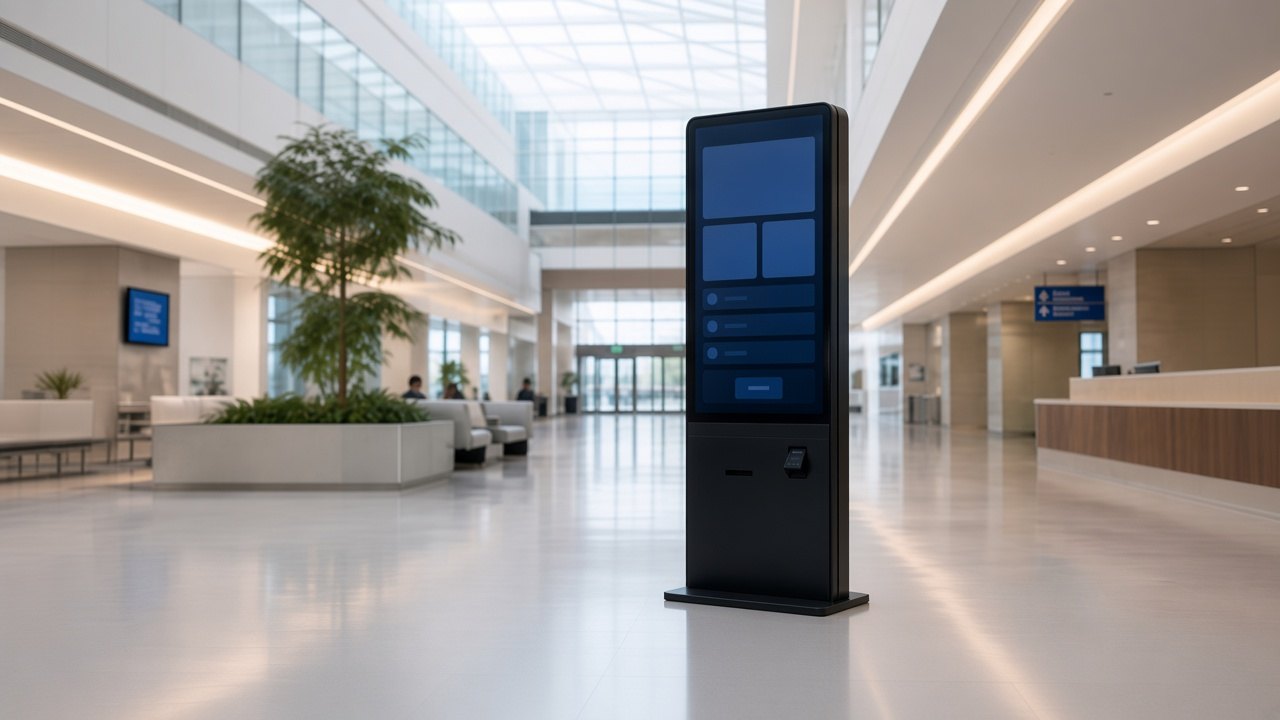
Kiosk and totem systems
Standalone display solutions used for welcome, wayfinding, information and self-service applications. Areas of use: shopping centres, airports, hospitals, public institutions, hotels and retail locations.
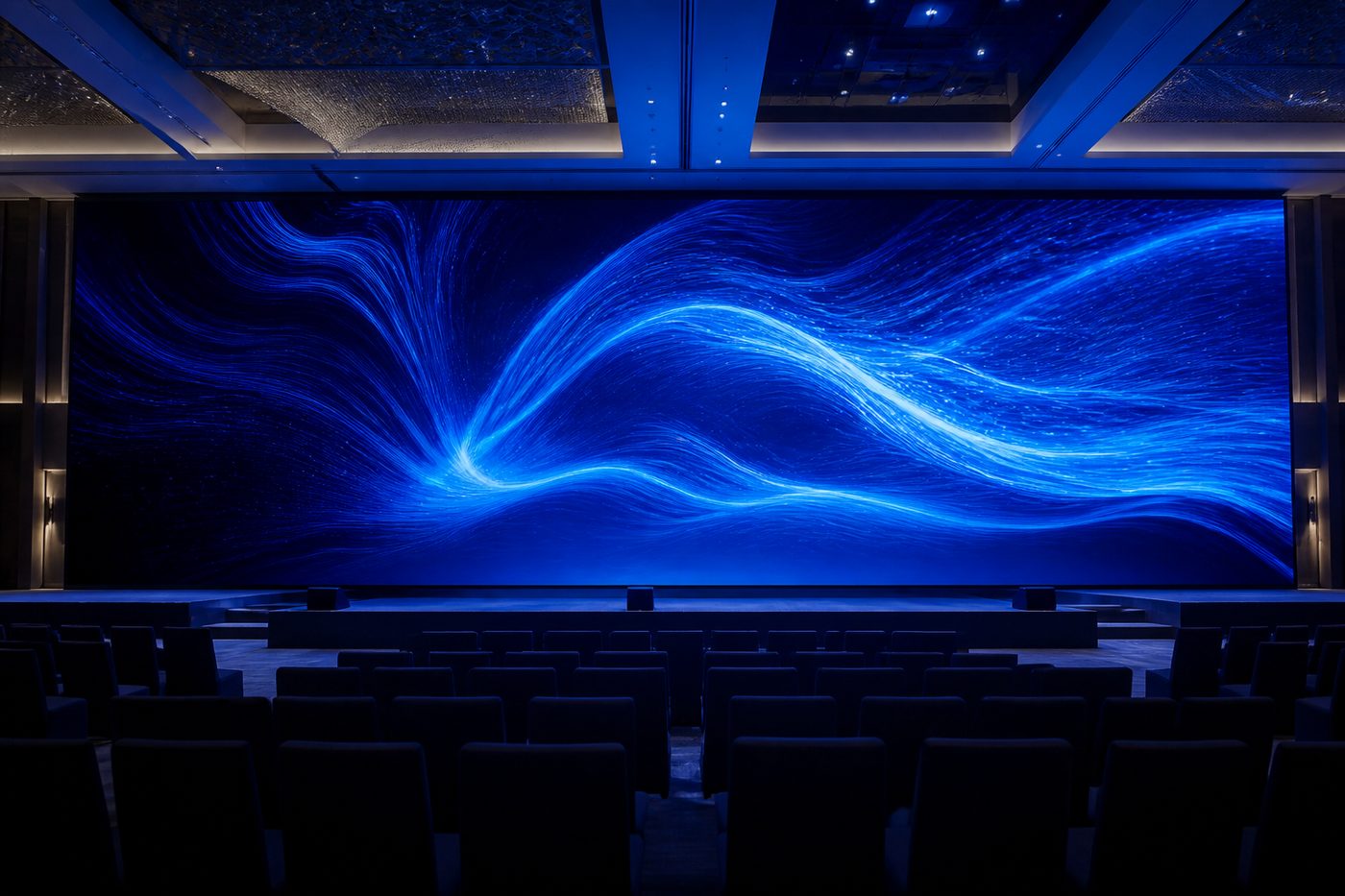
LED displays
Display solutions offering high brightness, flexible sizing and a seamless image. They can be used in indoor or outdoor applications as required. Areas of use: corporate lobbies, conference halls, shopping centres, stadiums, stages, event spaces and building-façade installations.
Software and centralised management
In Digital Signage systems the screens are the visible layer; the real strength of the system comes from the software infrastructure that manages content and devices. Content creation, scheduling, playback, screen monitoring and integrations with different data sources are all handled through the central management platform.
The right software infrastructure takes screens beyond devices that simply show content and makes them an effective part of corporate communications and information management.
Centralised management
Screens in different locations can be managed from a single platform. Content updates, playback schedules and device settings can be controlled centrally.
Content scheduling and playback control
Content can be assigned to screen groups, locations or specific devices. Playback dates, times and rules can be planned in advance so that content is published automatically.
Remote monitoring and device management
Screen operating status can be monitored centrally. The system can detect issues related to internet connectivity, device health or content playback and send automatic notifications to the relevant users, so that problems can be addressed quickly.
User permissions and security
Different access levels can be defined for different users, departments or locations. Content management can therefore be shared across several people while permissions and approval workflows remain under central control.
Integration and automation
Integrates with corporate applications, data sources and third-party platforms to support automatic updates of selected content.
Scalable management infrastructure
Can support projects of different scales, from a single screen to thousands of screens. New screens and locations can be added to the existing structure with ease.
Frequently asked questions
An internet connection is required for initial setup, content updates and remote management. However, because content is stored in the screens’ local memory, playback can continue without interruption if the internet connection is lost.