
A centralised management solution that enables meeting rooms to be planned, reservation processes to be managed and room utilisation to be improved.
Users can view meeting rooms easily, create reservations and follow room status in real time. The system integrates with existing corporate calendar infrastructure to simplify meeting planning.
How it works
-
1
A reservation is created
Users can plan meetings through Microsoft 365, Outlook, Exchange or other corporate applications in use. They can also create a quick reservation or manage existing bookings from the meeting-room screens. Actions on the screen can be authenticated with RFID staff cards, PIN codes or other corporate identity methods.
-
2
Information is shown on the screens
Reservation details are transferred in real time to the meeting-room screens and the management platform. Room status, meeting information and usage plans can be viewed from both the system and the screens. Users can easily follow meeting-room availability and the reservation calendar.
-
3
The check-in process is managed
Depending on the features of the solution in use, users may be required to confirm their reservation within a defined period. Check-in can be completed on the meeting-room screens and authenticated with RFID staff cards, PIN codes or other corporate identity methods. Reservations that are not checked in within the defined period can be ended automatically by the system, releasing the rooms for use again.
Advantages of Meeting Room Reservation Systems
Centralised reservation management
Enables meeting-room reservation processes to be managed from a single platform. Room availability, reservation details and usage plans can be viewed and managed centrally. Door screens let users see the current occupancy and availability of meeting rooms quickly and easily.
Works with existing systems
Can integrate with Microsoft 365, Outlook, Exchange and similar corporate calendar infrastructure. Users continue to work with the reservation systems they already know, while meeting-room screens use this data automatically.
Reservation and utilisation efficiency
Double-booking of the same meeting room by more than one user in the same time slot can be prevented. With check-in confirmation, reservations that are not used within the defined period can be cancelled automatically so that rooms are released again. Planning errors are reduced, reservation processes become more orderly, and efficient use of meeting rooms is supported.
Permissions and approval workflows
Reservation requests for selected meeting rooms can be tied to an approval process. When a user creates a request, the system can wait for approval from a defined manager, assistant or authorised person. Reservation processes for meeting spaces with special usage rules can therefore be managed in a more controlled way.
Service management
Users can submit requests for tea, coffee, catering or other organisation-specific services from the meeting-room screens. Orders are routed automatically to the relevant teams and status can be tracked in the system. Telephone traffic, misunderstandings, forgotten orders and follow-up difficulties are reduced, helping meetings run without interruption and keeping participants focused.
Support and maintenance management
Users can submit technical or operational requests related to meeting rooms through the system. Equipment shortages, devices that are not working, connectivity issues, cleaning needs or situations requiring maintenance can be routed automatically to the relevant teams and departments. Faster response to issues is supported, and meeting rooms can be kept ready for use.
Data analysis and planning
Meeting-room usage data can be monitored and reported centrally. Occupancy rates, usage intensity, preferred room types, service requests and support tickets can be analysed to support more efficient planning of workplaces. Organisations can therefore obtain data on usage habits and operational needs, and make budget, resource-management and purchasing decisions based on actual usage.
Screens and user experience
Door screens
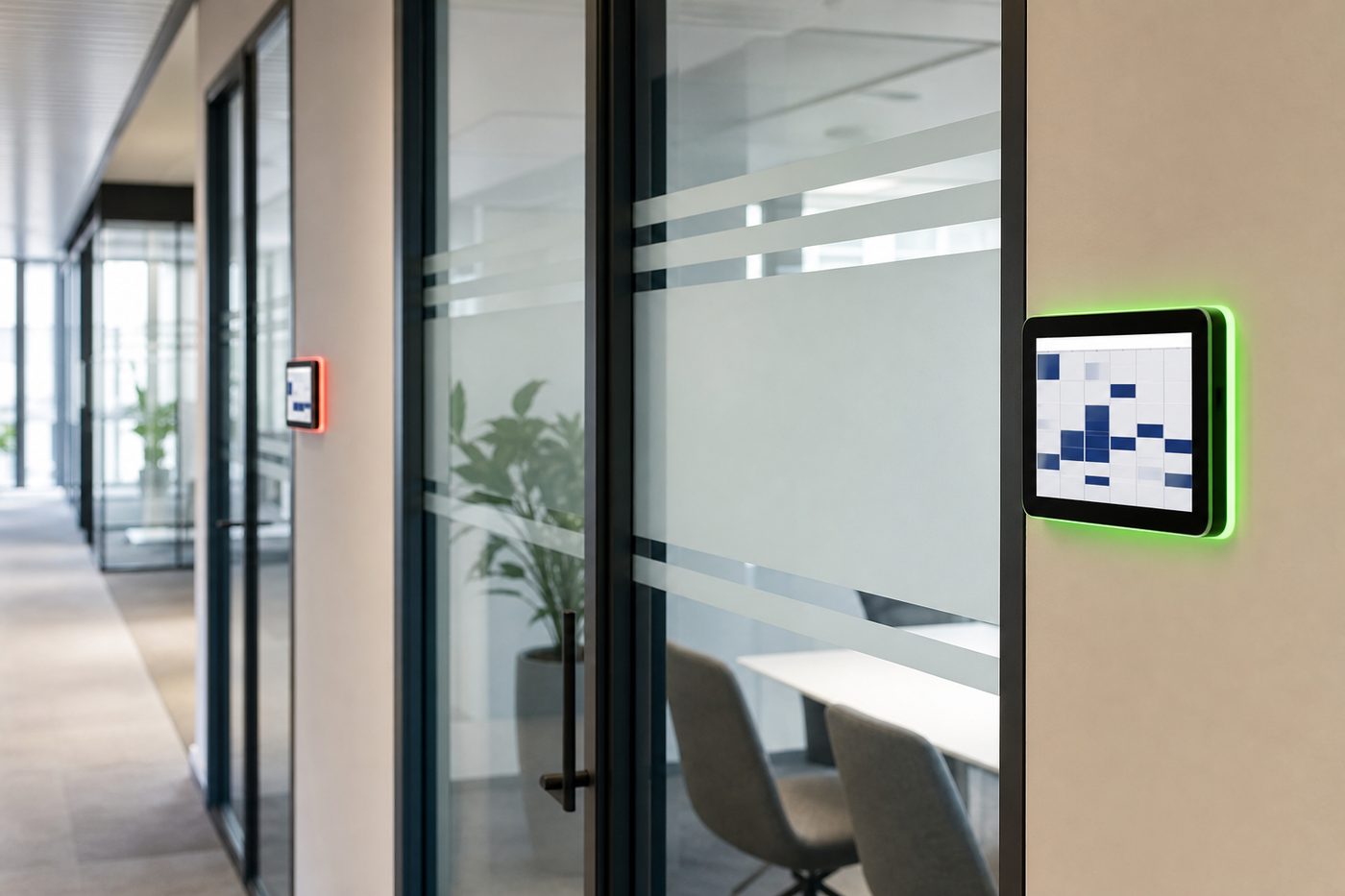
Meeting-room availability, reservation details and usage information can be displayed at room entrances. Users can follow the current status of meeting rooms easily and reach reservation information quickly. Door screens can optionally include an LED light frame so that room status is also visible from a distance. For example, available rooms can be shown in green and occupied rooms in red, making meeting spaces quicker and simpler to manage.
Multi-room overview
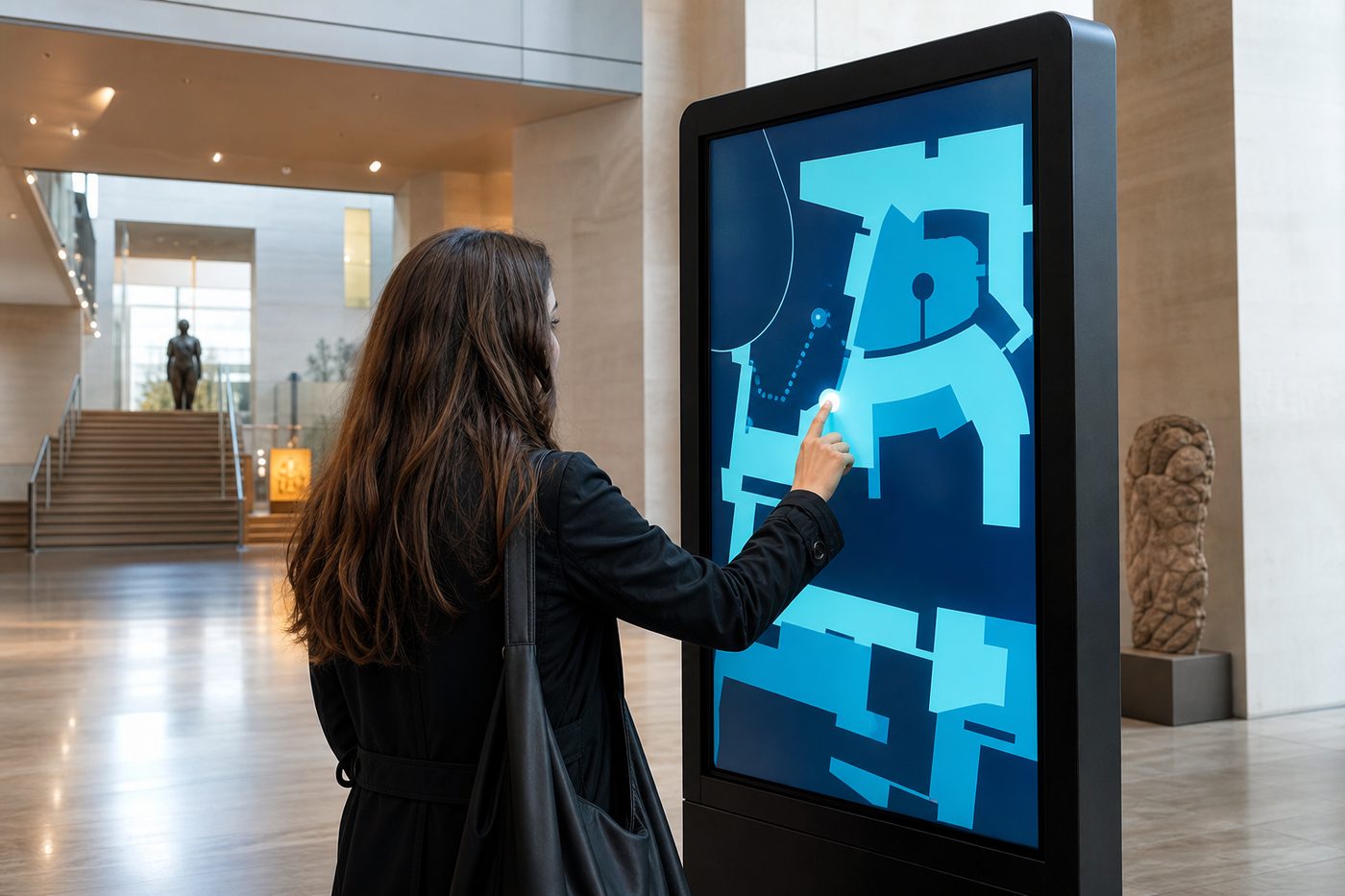
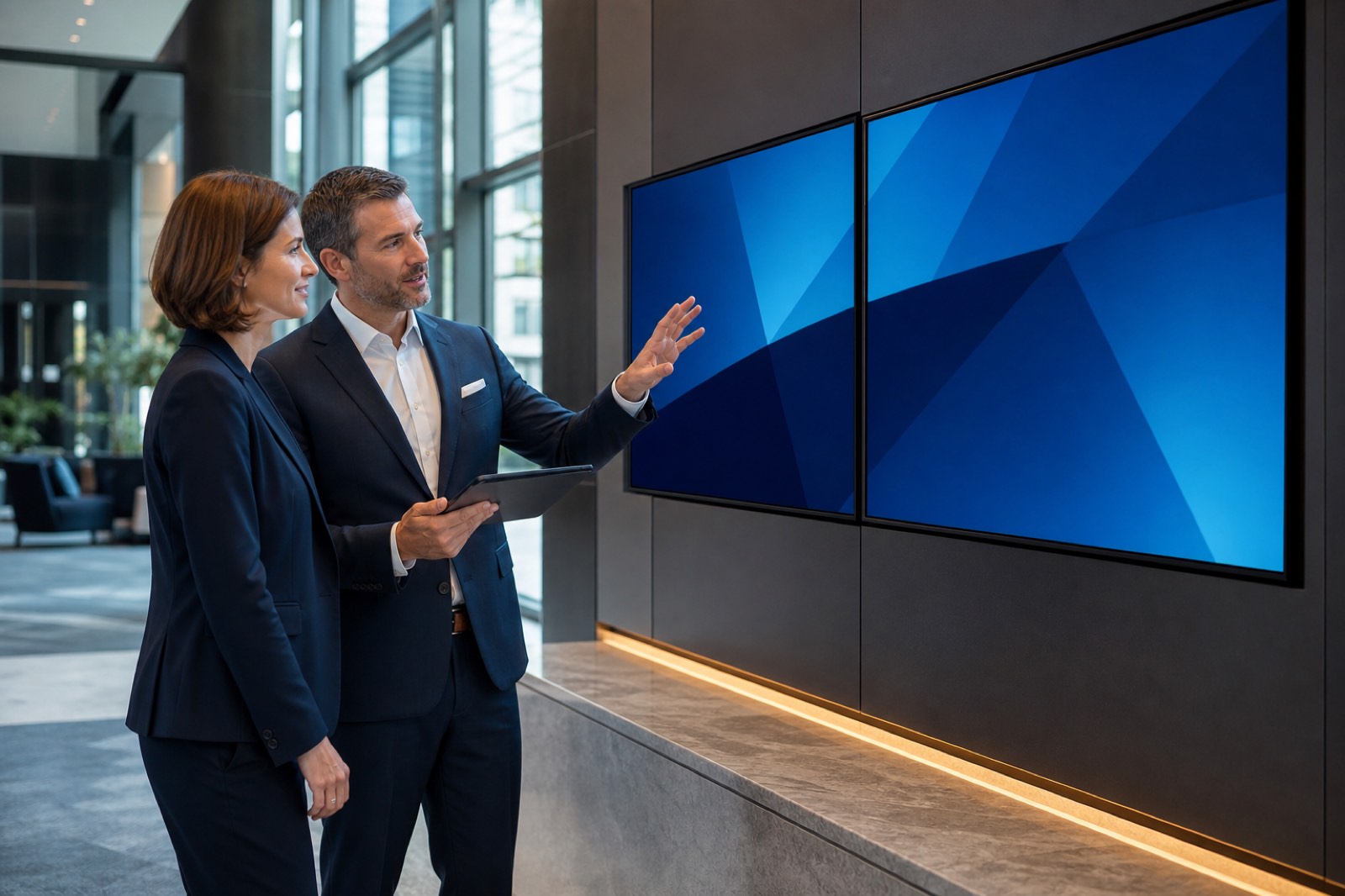
The usage status of every meeting room on a floor, in a department or in a building can be viewed on a single screen. Users can identify available rooms quickly, follow the day’s reservation plans and see overall occupancy in real time. Floor plans, room locations and wayfinding information can be shown on the screen as required. This helps users find the relevant meeting spaces more easily and supports more efficient management of meeting processes.
Brand identity and visual design
The company logo, corporate colours, room names and thematic visuals can be used on the screens. Visuals and designs that match the names given to meeting rooms can make spaces easier to distinguish and strengthen brand identity. Meeting areas can therefore sit in line with the organisation’s overall design language, contributing to a more modern, professional and digital workplace.
Frequently asked questions
No. Meeting-room reservation systems can integrate with Microsoft 365, Outlook, Exchange, Google Workspace and similar corporate calendar infrastructure. Users keep their existing reservation habits, while meeting-room screens and management platforms use the same data.