
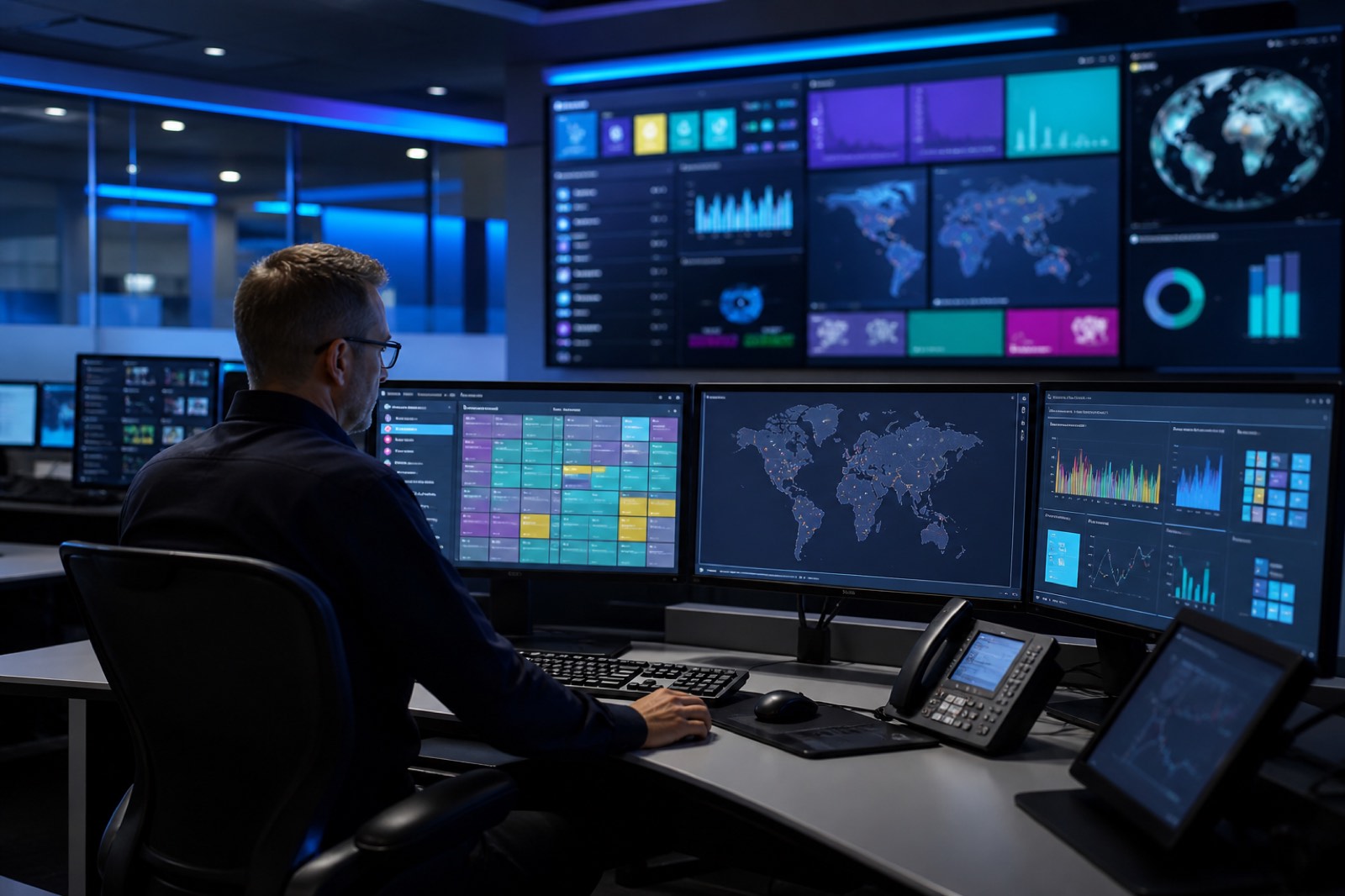
Screens are the visible face; the real work is managing content on the right screen at the right moment. Without a software layer, a digital display system is only a pile of hardware. That is why we place the CMS, corporate TV interface, reservation software and playback flow at the centre of the project. If the software does not match the business's daily rhythm, screens quickly stop being updated. The purpose of integration is to place technology inside existing operations.
In the content management system, user roles, templates and playback calendars are designed specifically for the business. While head office publishes a general campaign, a branch should be able to add its own announcement. An emergency message should be able to take priority on all screens. If these rules are not defined from the start, the operations team struggles manually every day. We simplify the software so that a great deal of work can be done in few steps. Usability matters more than a feature list.
In corporate TV projects, playback, channel lists, application policy and the guest experience are managed on the same platform. Corporate content should be presented in a hotel or hospital room without disrupting television habits. This balance protects both guest satisfaction and operational control. Software settings can be standardised from room to room. Device behaviour then remains predictable even on the night shift.
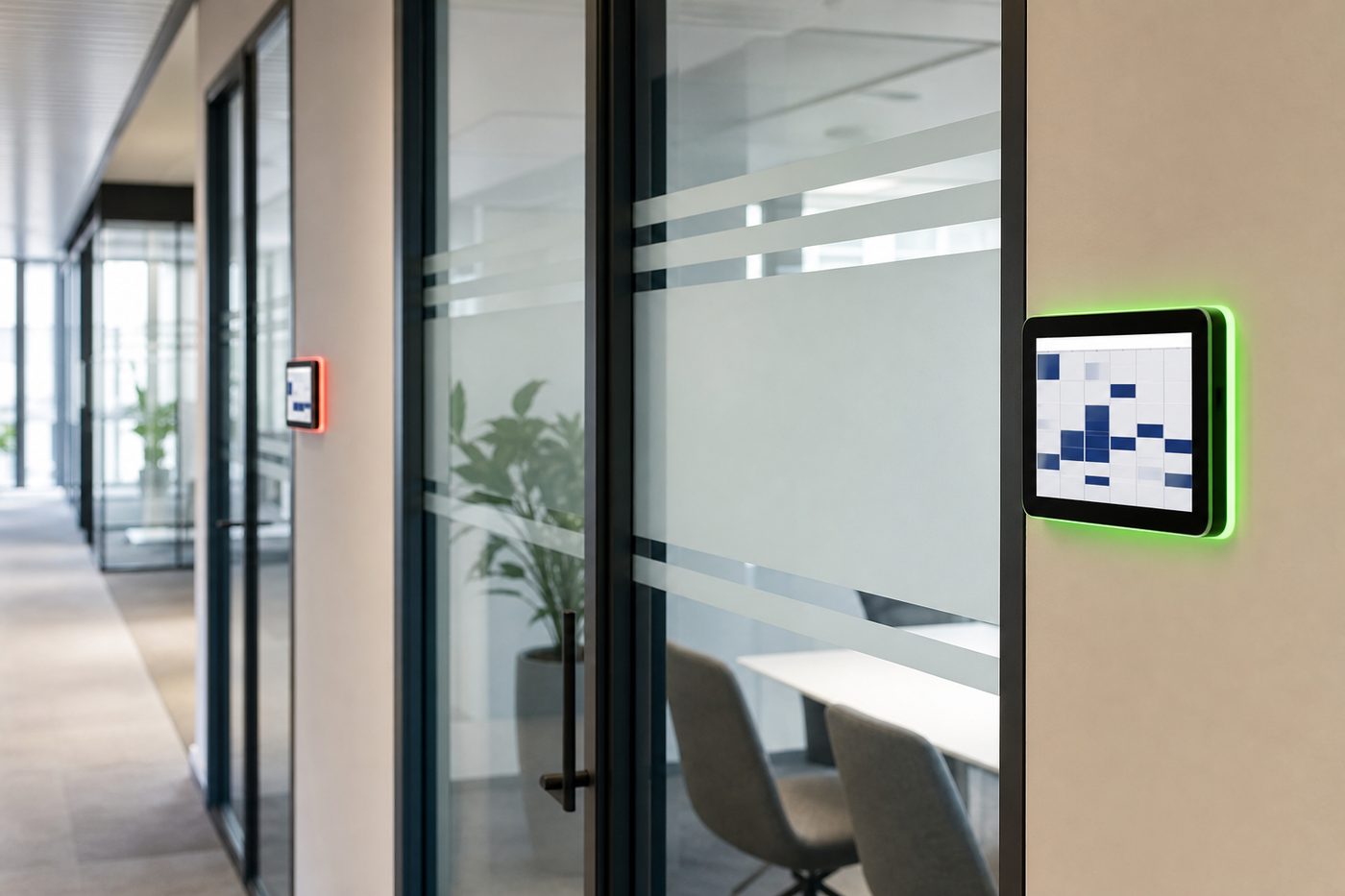
Meeting-room reservation software is connected, together with the display hardware, to calendar and room-management systems. Whether the room is occupied or free should be readable from the screen at the door, and meeting information should stay current. If integration is incomplete, reservations and the floor do not match. That is why we configure the software to communicate with the existing calendar infrastructure. The aim is not to invent a new workflow, but to make the existing one visible.
Integration also covers security and permission management. Who can upload content, who can change device policy and who can only view is clarified. This separation is essential especially in multi-user organisations. The wrong permission can put the wrong content on air. We set up the role structure so that it is simple, auditable and aligned with company policy. Security is part of the design, not a layer added afterwards.
Before go-live, software scenarios are tested: scheduled playback, emergency announcements, branch separation and device offline behaviour are checked. If a problem is visible at this stage, site handover is cleaner. Training is also delivered on the same structure; users practise on their actual screens. Our software and integration service is about making the system manageable, not merely turning the screen on. At Zenith, software is the unseen backbone of the project.
What this service includes
CMS setup
Content templates, the playback calendar and user roles are configured for the business.
Corporate TV configuration
Channel, application and device policies are made centrally manageable.
Reservation integration
Meeting-room screens are matched with the existing calendar infrastructure.
Scenario tests
Emergency announcements, scheduling and offline behaviour are verified before handover.
Services
Other services
Every step from discovery to technical support builds on the last. Explore the other stages of your project to see the full journey at a glance.
Next step 05
Installation and Commissioning
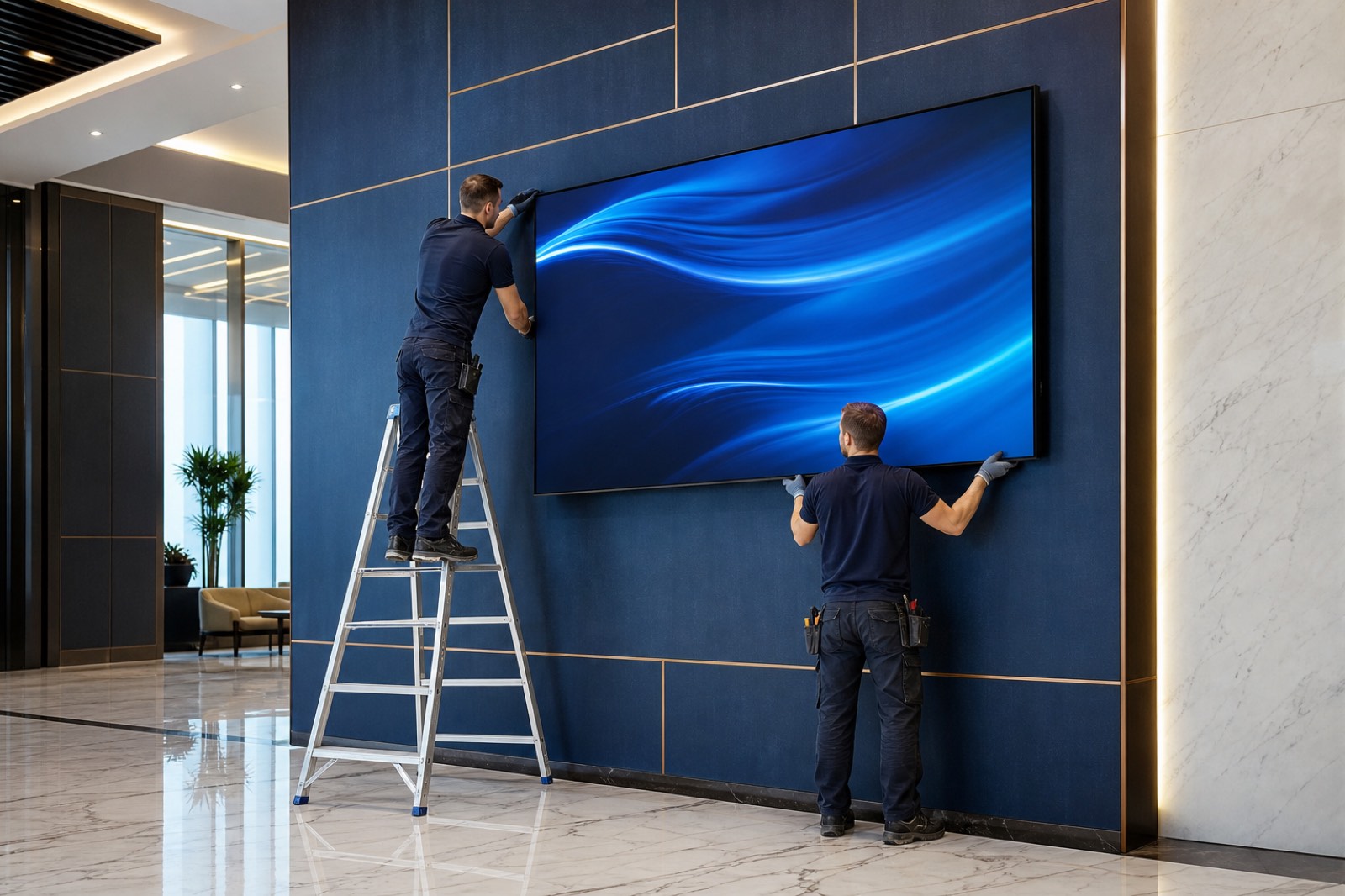
Hardware installation, system configuration, testing and commissioning are completed so that the system is ready for use.
View details
01
Needs Analysis
The project's intended use, application area and operational needs are assessed so that the most suitable solution structure can be defined.
View details
02
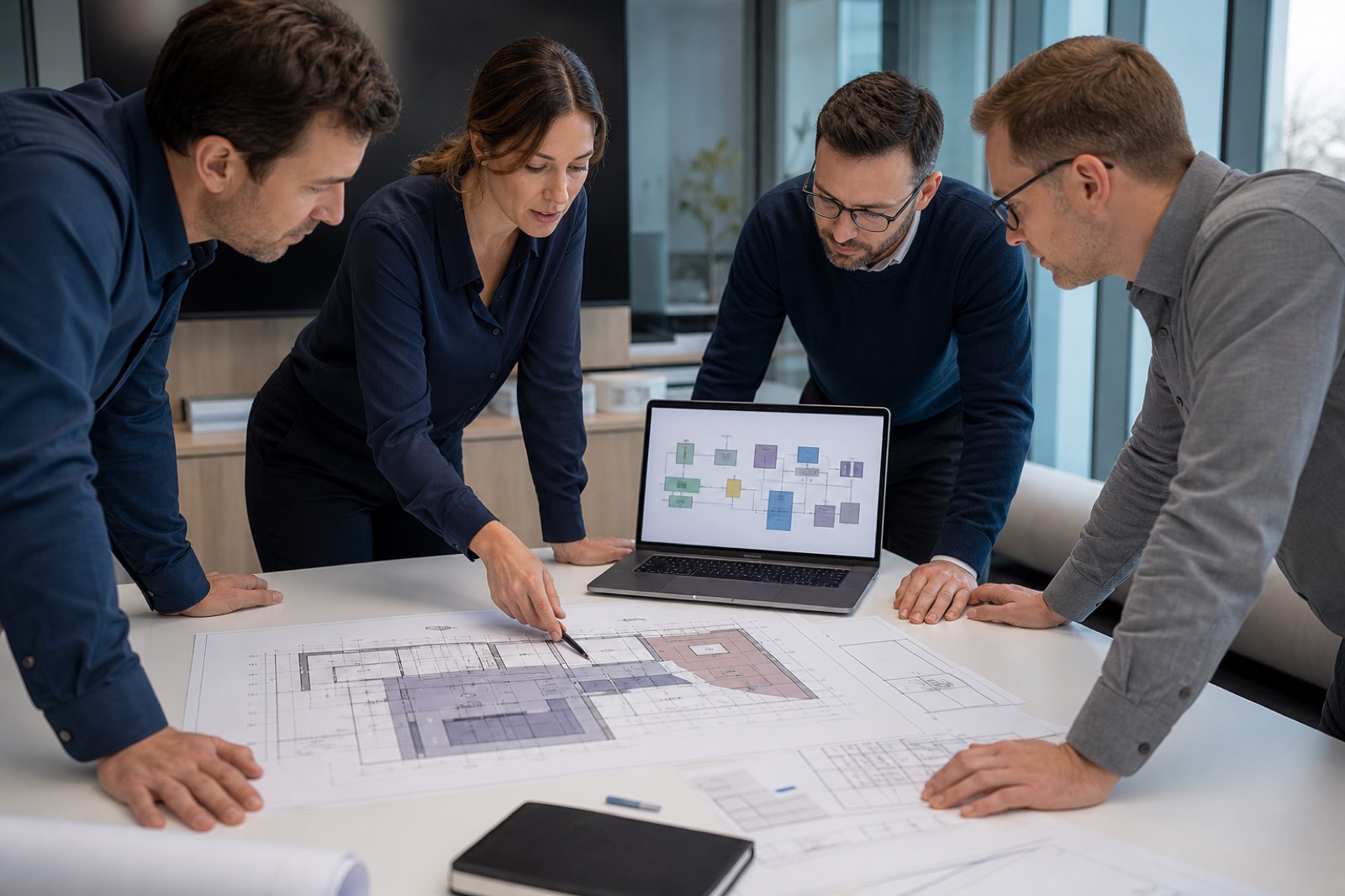
Project Planning
Screen layouts, hardware structure, software infrastructure and system architecture are planned specifically for the project.
View details
03
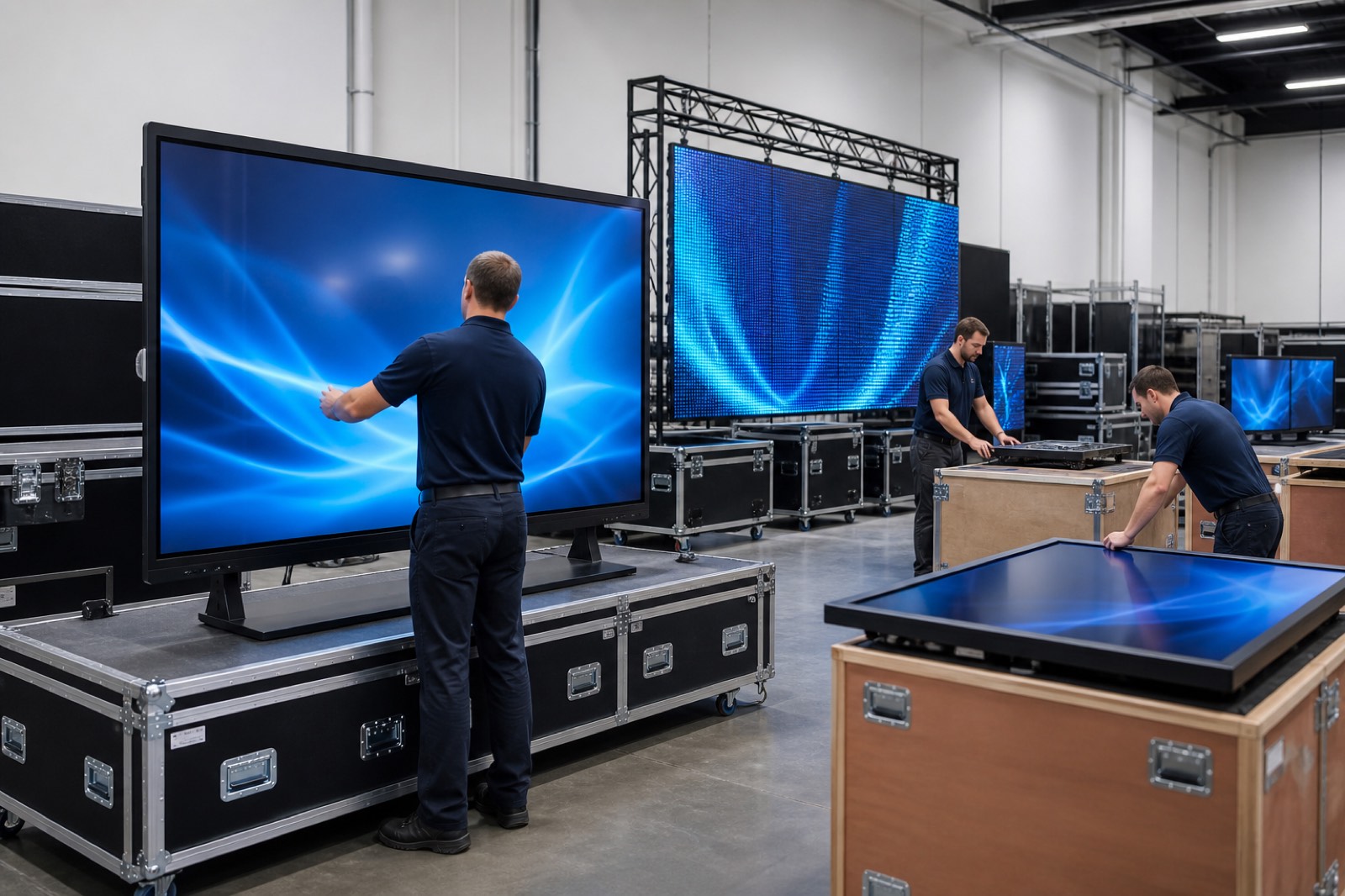
Hardware Procurement
Professional displays, LED screens, video wall systems, kiosks, touchscreens and other hardware suited to the project are selected from leading manufacturers in the industry and supplied according to project needs.
View details
06
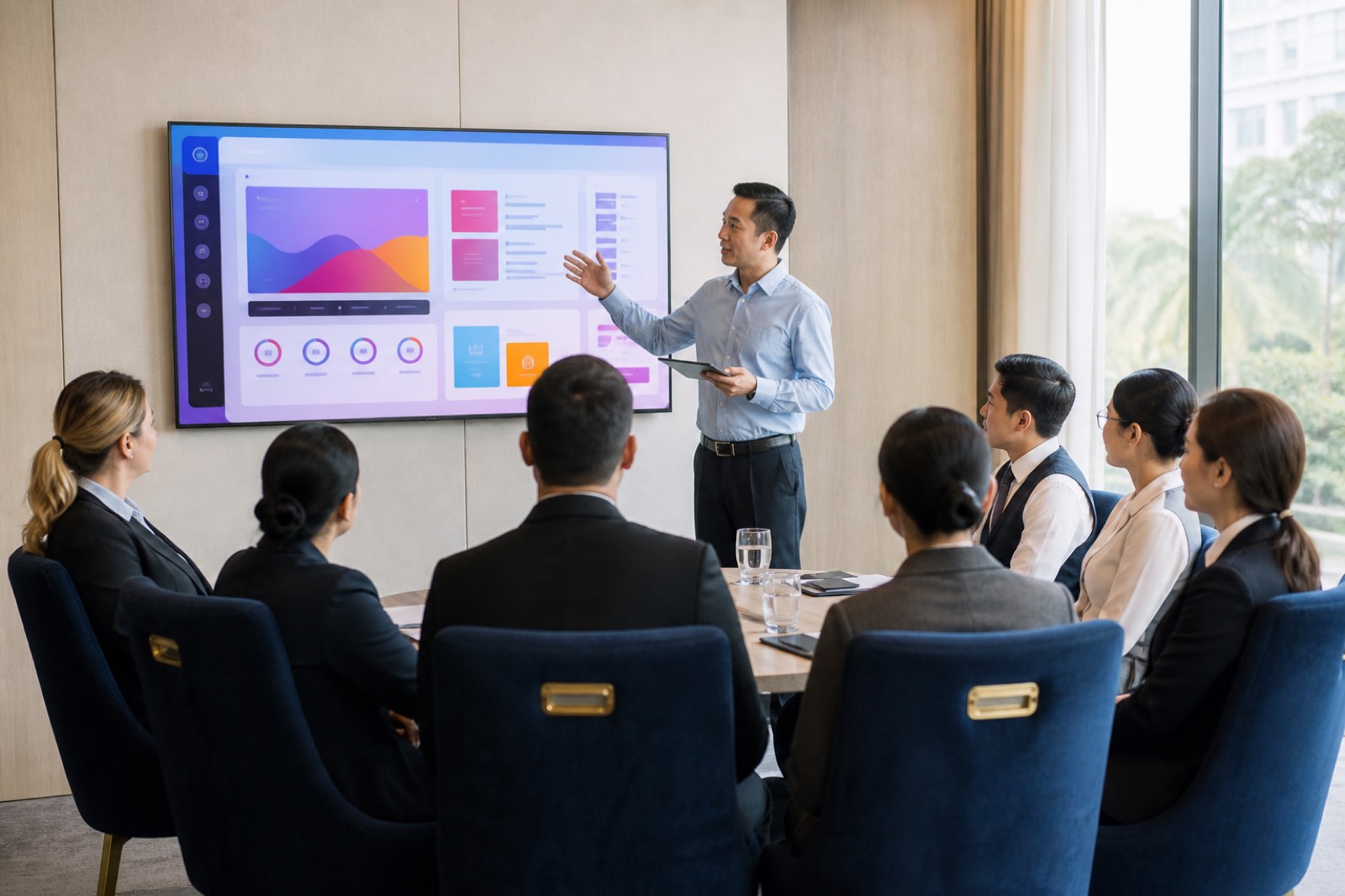
Training
System administrators and relevant users are trained in content management, basic operation and system administration.
View details
07
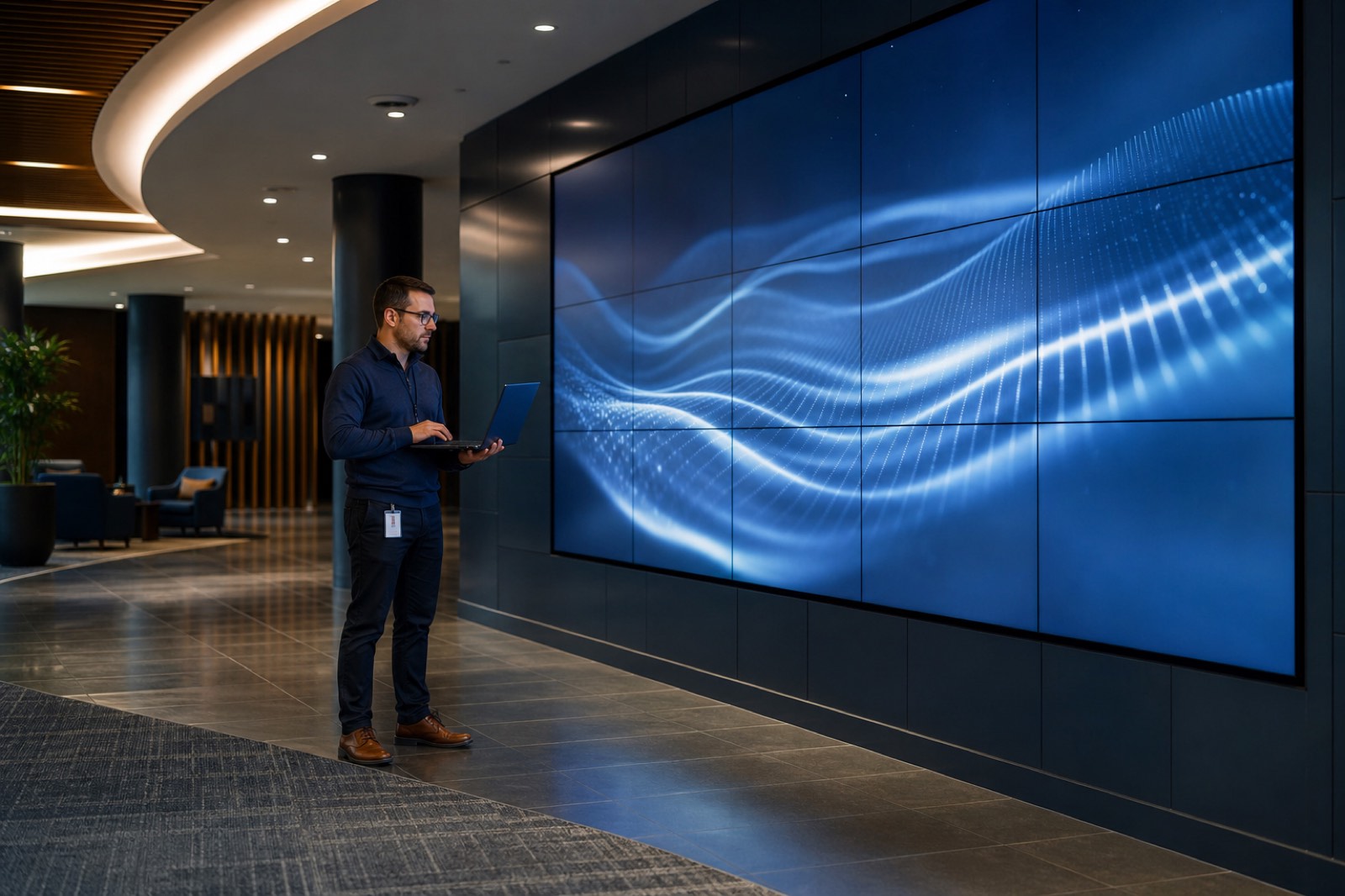
Technical Support
After installation, technical support, remote support and maintenance services are provided to keep systems running without interruption.
View details
Get a quote
Request a quote for this service
A single point of contact from discovery through to technical support.