
Training

Service 06

Training

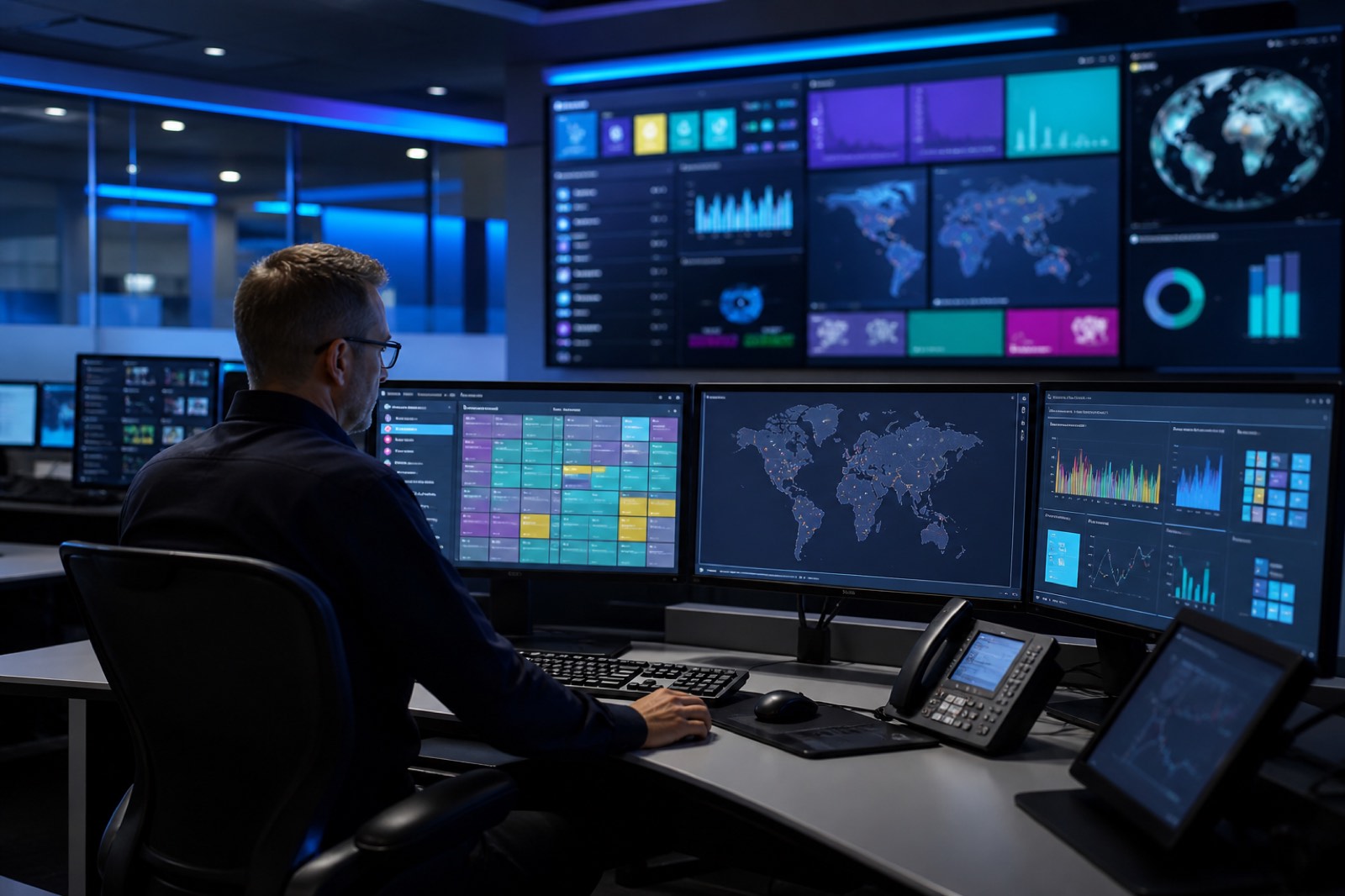
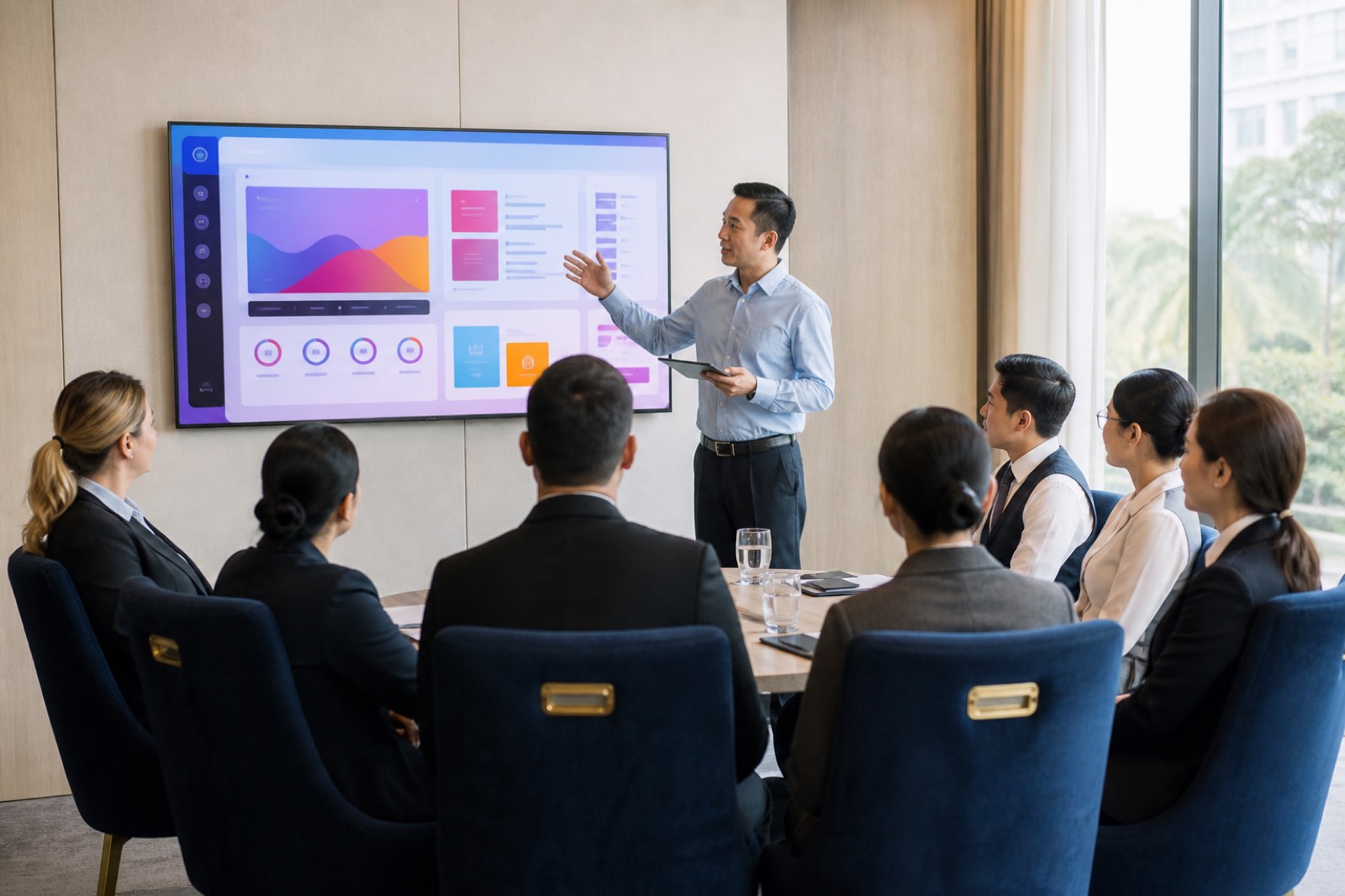
System administrators and relevant users are trained in content management, basic operation and system administration.

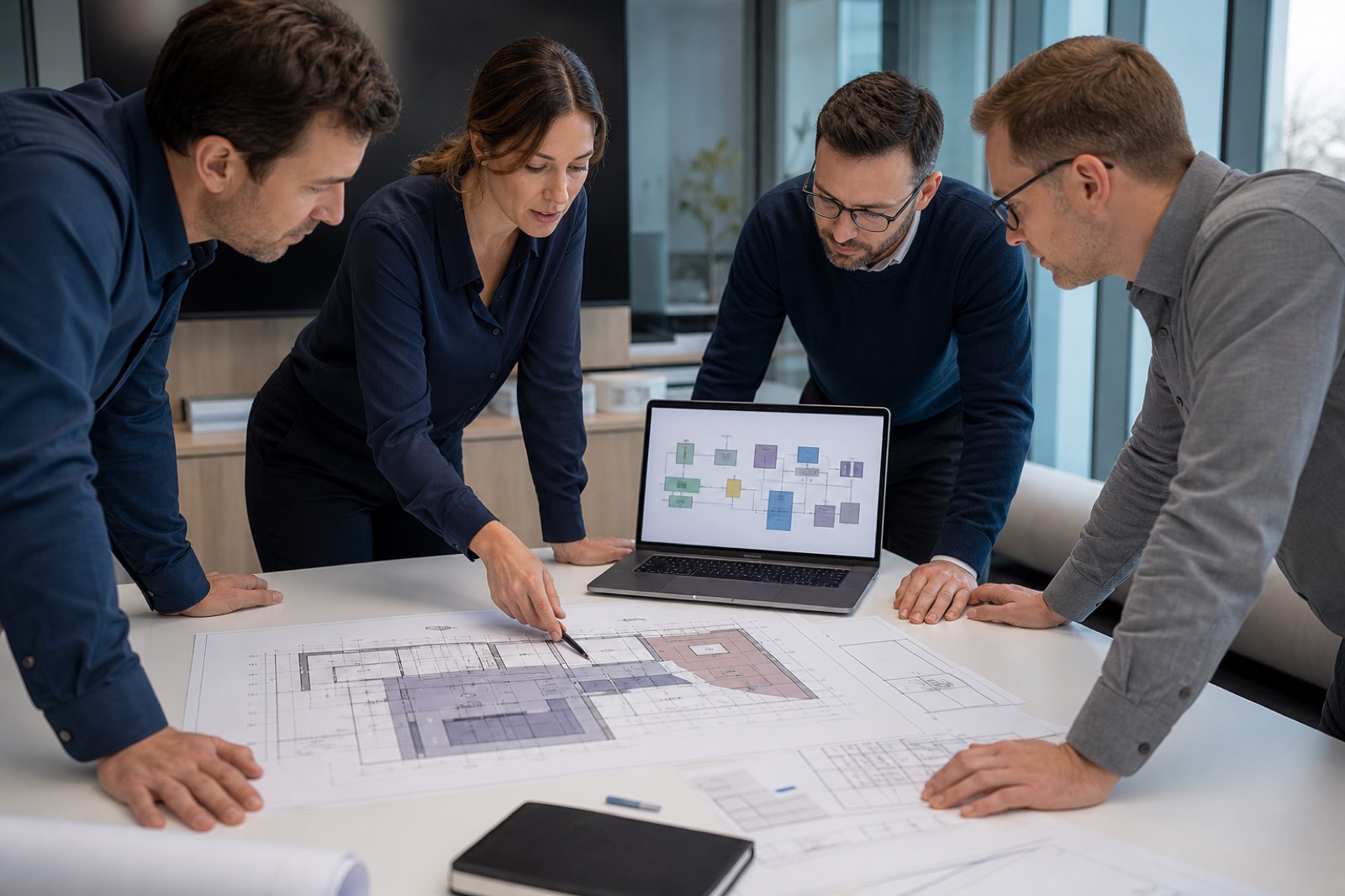
The best system quickly sits idle if the team that will use it is not ready. That is why we see training not as an add-on to handover, but as an integral part of the project. The aim of training is not to memorise every feature, but to get daily work done without friction. Content upload, playback planning, emergency announcements and basic device control form the backbone of this scope. When users can do their own work on their own screens, the project is truly complete.

Training groups are separated by role. The system administrator deals with devices, permissions and overall playback policy. The operations or marketing team places content into templates and manages the calendar. Field teams such as reception or housekeeping are given only as much information as they need. Giving everyone the same intensity of training makes no one competent. We simplify the content according to the person's actual responsibility.

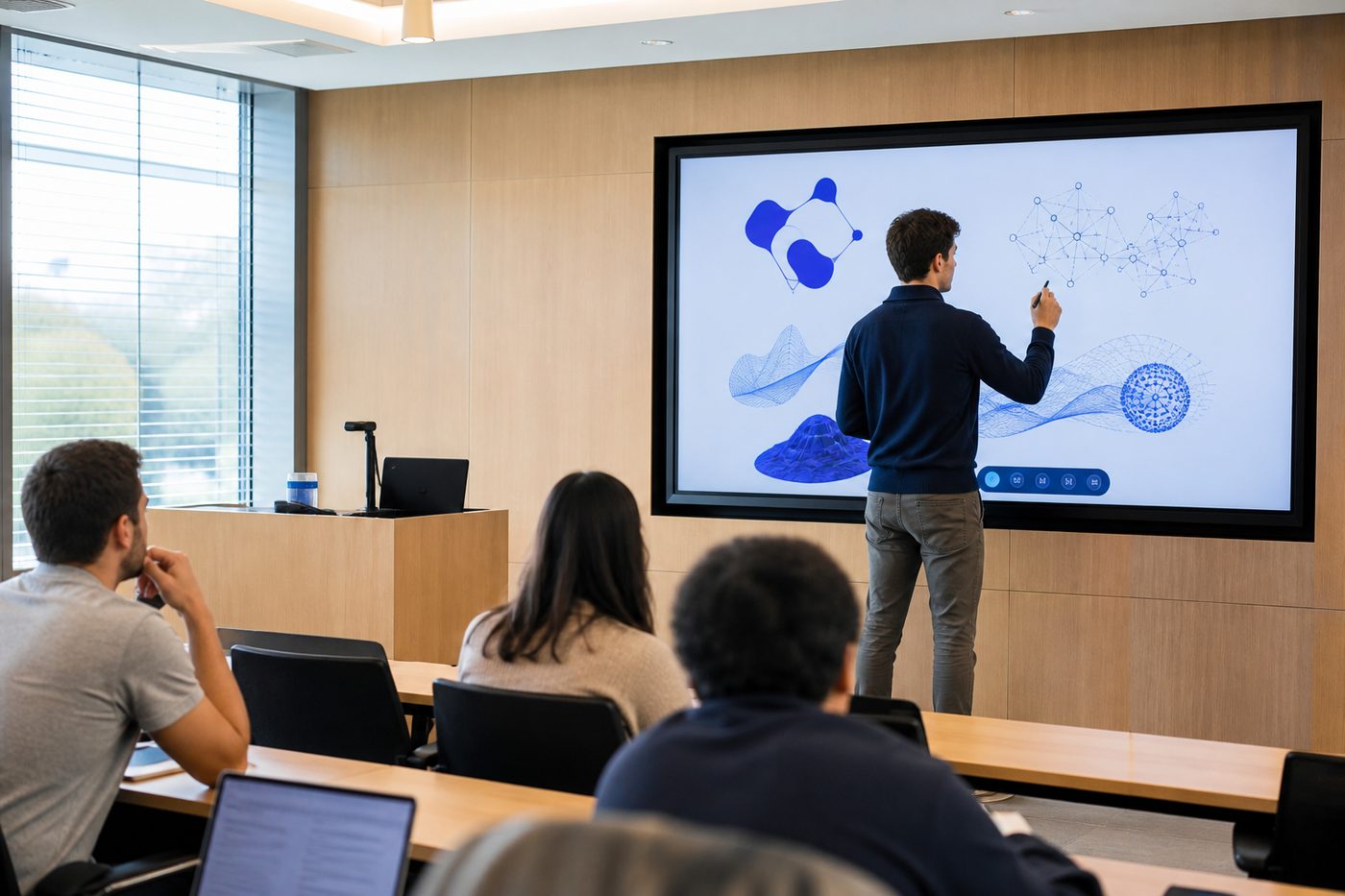
Sessions are held on the live system whenever possible. A test environment is useful, but learning becomes lasting when the user sees the real screen and the real menu. A sample campaign, in-room TV announcement or meeting-room message is published together. The right to make mistakes is granted in training, so panic after handover is reduced. Practice is more effective than a slide presentation. This method works especially well with shift-based hotel and hospital teams.

Training also helps the business establish its own standards. Rules such as who approves content, which visual sizes are used and how logos are protected are clarified together. If these rules are not written down, every user proceeds with their own habits and the on-air language breaks down. A short usage protocol protects brand consistency. We convey this protocol without drowning it in technical jargon. Simple rules make sustainable use possible.

The first weeks after installation are when questions arise most. That is why training does not close with a single session; a reminder and Q&A space is opened for critical users. How basic knowledge will be passed on when a new member of staff starts is also discussed. If knowledge sits with one person, the system locks when that person goes on leave. Our training service aims to leave a competence that can spread inside the organisation. Continuity is more valuable than individual expertise.

When training is complete, users can update content, distinguish a basic fault and know when to contact us. This distinction reduces the support load and increases the organisation's confidence. A digital display investment only pays back when it is used. Training is the most direct path to that return. At Zenith we complete every project not by handing over screens, but by making teams competent.

What this service includes

Administrator training

Sessions focused on permissions, device policy and overall playback management.

User training

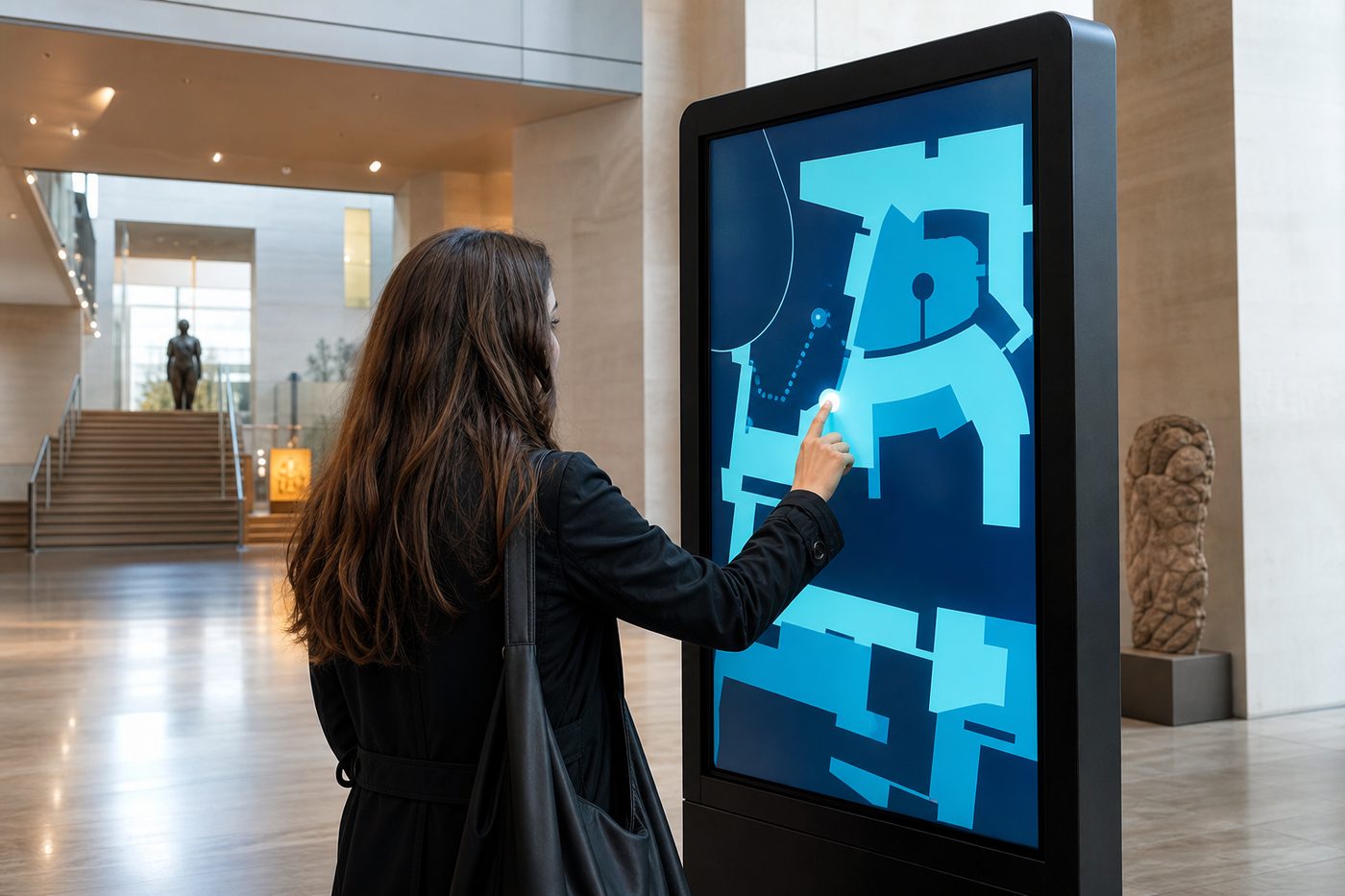
Content upload, template use and the playback calendar are taught through practice.

Live application

Sample content is published together on the actual screens.

Usage protocol

Approval flow, visual standards and daily division of work are simplified.

Services

Other services

Every step from discovery to technical support builds on the last. Explore the other stages of your project to see the full journey at a glance.
View all services
Technical support and maintenance on a video wall

Next step 07

Technical Support and Maintenance

After installation, technical support, remote support and maintenance services are provided to keep systems running without interruption.

View details
Get a quote

Request a quote for this service

A single point of contact from discovery through to technical support.

Call now 0542 267 47 00
WhatsApp +90 542 267 47 00